- 06 Sep 2026
- 🕹 Retro Gaming
🛍️ R40S Pro Fix Black Screen Premium Package This post relates to one of my premium products. See product
Birthday gift, instant problem
I received an R40S Pro as a birthday present, a retro handheld that is very close to the R36S. The main differences are faster DDR4 RAM instead of DDR3 and a bigger 3800mAh battery. On paper, that sounds like a nice upgrade for anyone who wants a budget-friendly device for retro gaming.
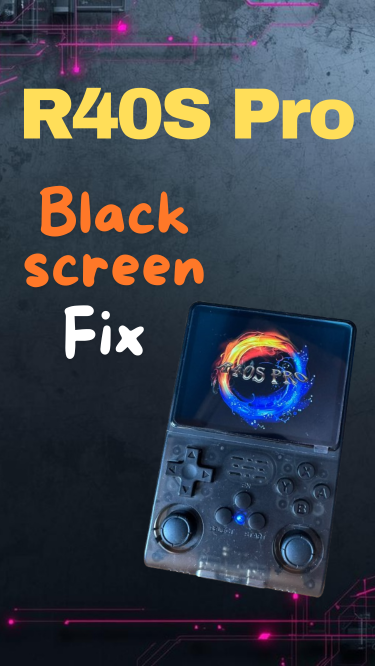
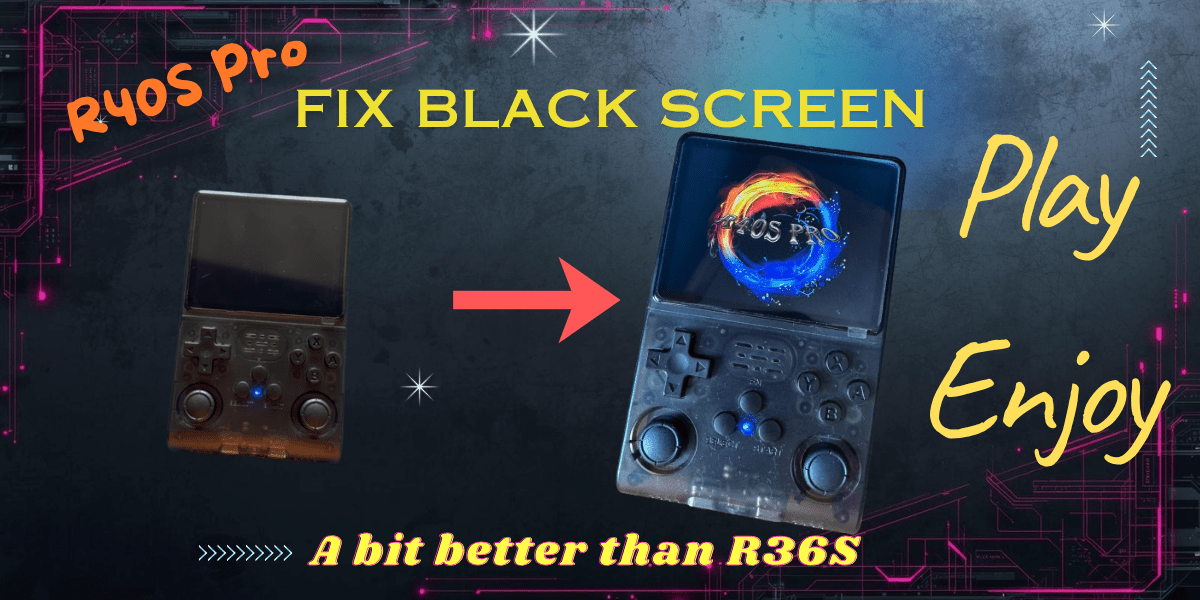
But my first experience was not great: the console would not start properly. I got a black screen, while the blue LED stayed on. No menu, no boot animation, nothing useful on screen.
The issue many owners may face
After spending time checking the usual suspects, I found that the problem was not a dead screen or a completely broken unit. The real culprit was the configuration.
If you are dealing with the same symptoms on an R40S Pro, there is a good chance your issue is also related to the boot configuration files rather than failed hardware.
What fixed my R40S Pro
I was able to get the device working by using the correct:
- DTB file
- boot.ini configuration
- boot logo
- root config entry change
Once those were corrected, the handheld finally booted as expected.
Why this matters
The R40S Pro is often treated like an R36S variant, but small hardware differences can matter. Faster DDR4 memory and the higher-capacity battery are not the only things that set it apart. In practice, using the wrong configuration can leave you with a system that appears dead even though it is recoverable. That's why I advice you to do your own research before blaming the hardware itself.
That is exactly why proper device-specific files matter when flashing or fixing these retro handhelds.
What I will cover next
In a follow-up post, I can share the exact files and the precise fstab change I used so others can reproduce the fix faster and avoid wasting hours troubleshooting.
If you own an R40S Pro and it only shows a blue LED with a black screen, do not give up on it too quickly. In my case, the right configuration brought it back.
Final thoughts
The R40S Pro looks like a simple R36S refresh, but it is different enough that configuration mistakes can stop it from booting. The good news is that this kind of black screen issue may be fixable without replacing the hardware.
If you want, I prepared a more detailed repair guide with the exact DTB, boot.ini, logo file, and root config edit documented step by step so that you can start enjoying this device early on. This way you can avoid much of the frustration that comes with the setup of these devices. And remember, the hardware is good, but software may need attention, so if you follow the advice from my website, you can definitely have a smooth experience.😉
Check out 👉
R40S Pro Fix Black Screen Premium Package
👈
— DTB, boot.ini, logo and fstab fix pack for boot issues
USD 6.99
🖼️ Show more info