
Showing 31 results in 🕹 Retro Gaming category. All posts
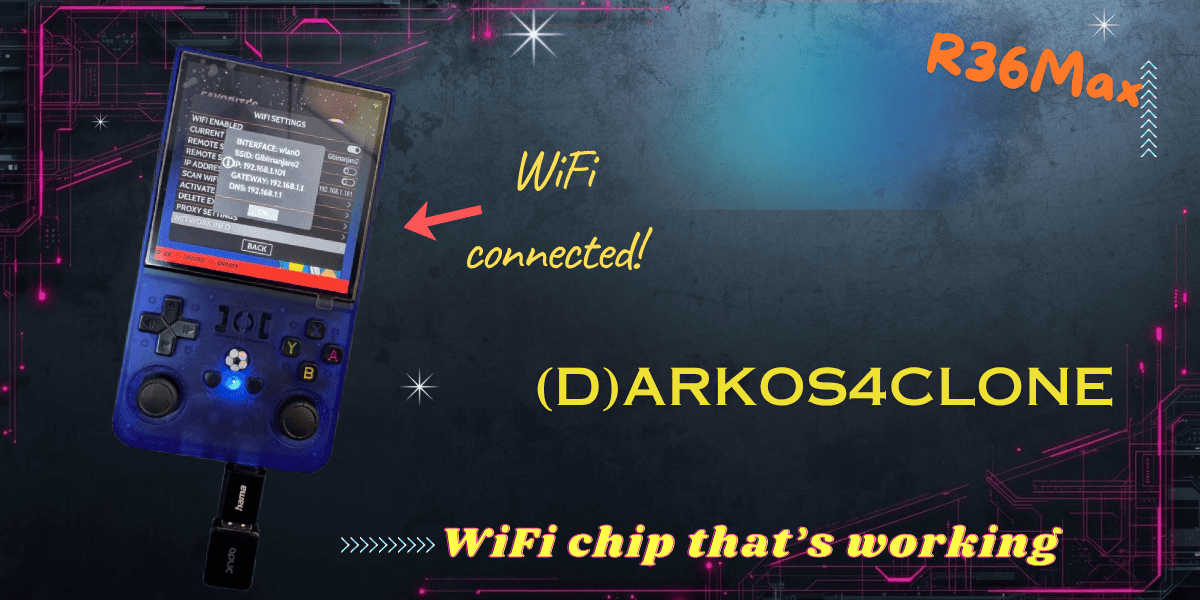
I recently received some feedback saying that (d)ArkOS4Clone doesn't support a certain chip. Here's the chip I use and works great, even for 5Ghz WiFi networks.
Read More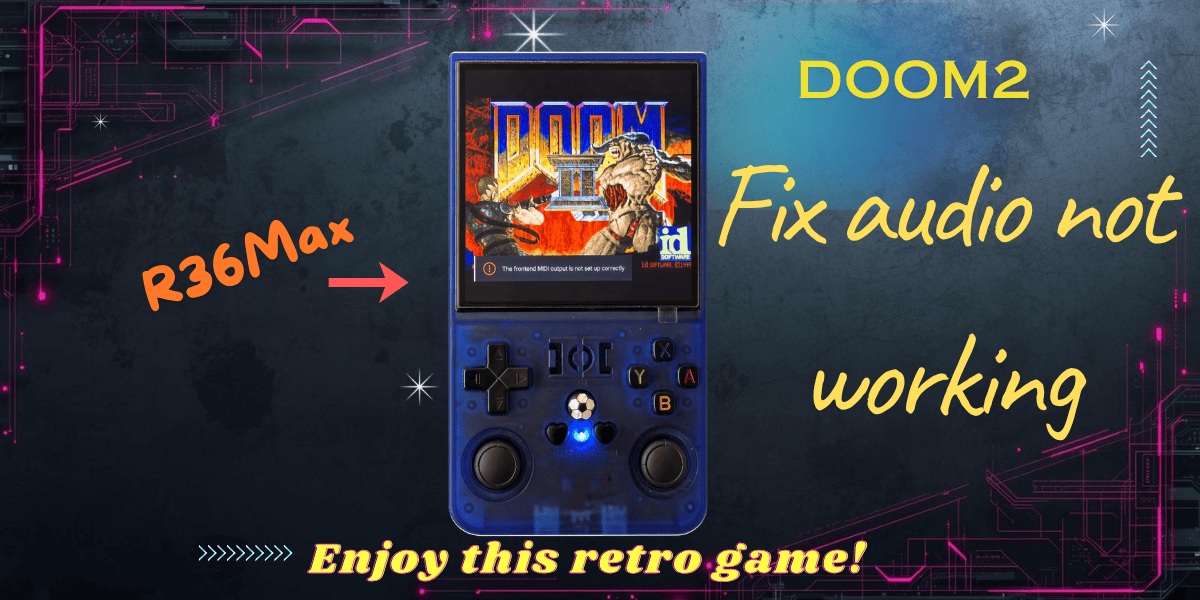
If your DOOM2 has no audio on R36Max or R36S, the fix is actually simple. Just follow the guide to enjoy the full DOOM2 experience
Read More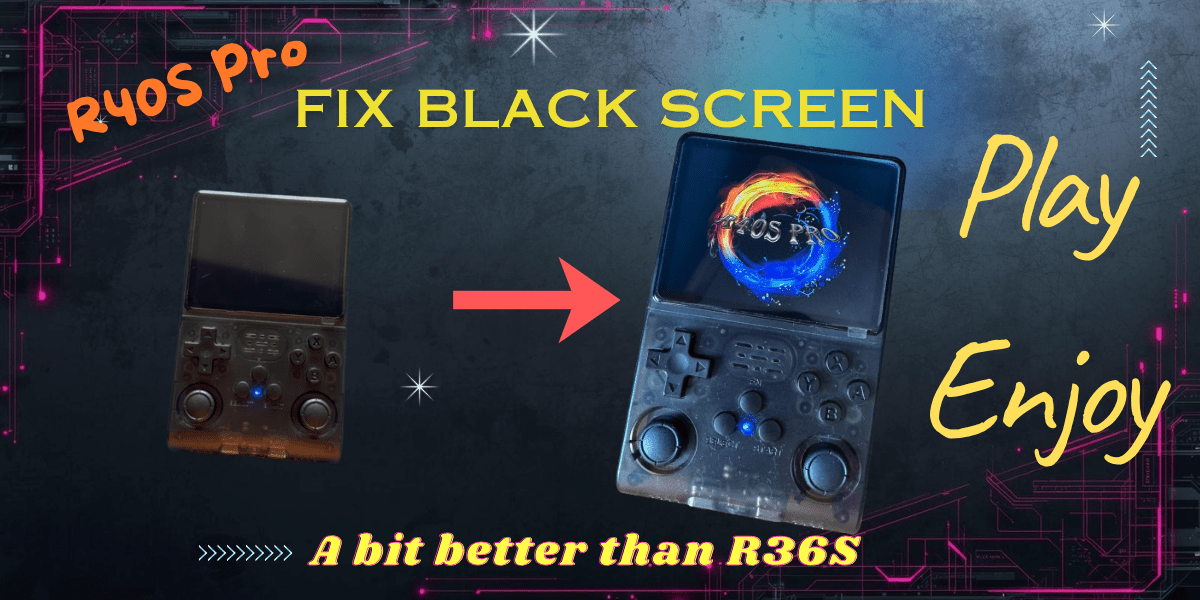
How I fixed an R40S Pro that showed only a blue LED and black screen by correcting DTB, boot.ini, logo, and fstab.
Read More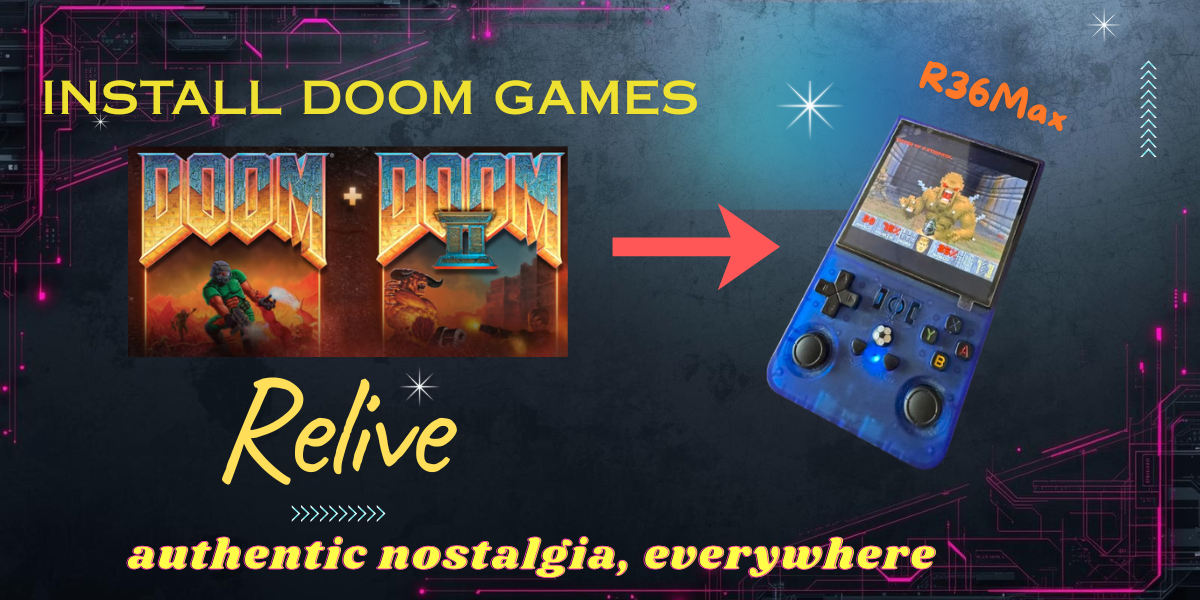
How to install DOOM1 + DOOM2 classic games on R36Max. Have fun, relive the nostalgic moments these 2 games bring. And take the games everywhere!
Read More
Learn how to install free and shareware games on your R36S, R36Max and other devices running (d)ArkOS4Clone using PortMaster.
Read More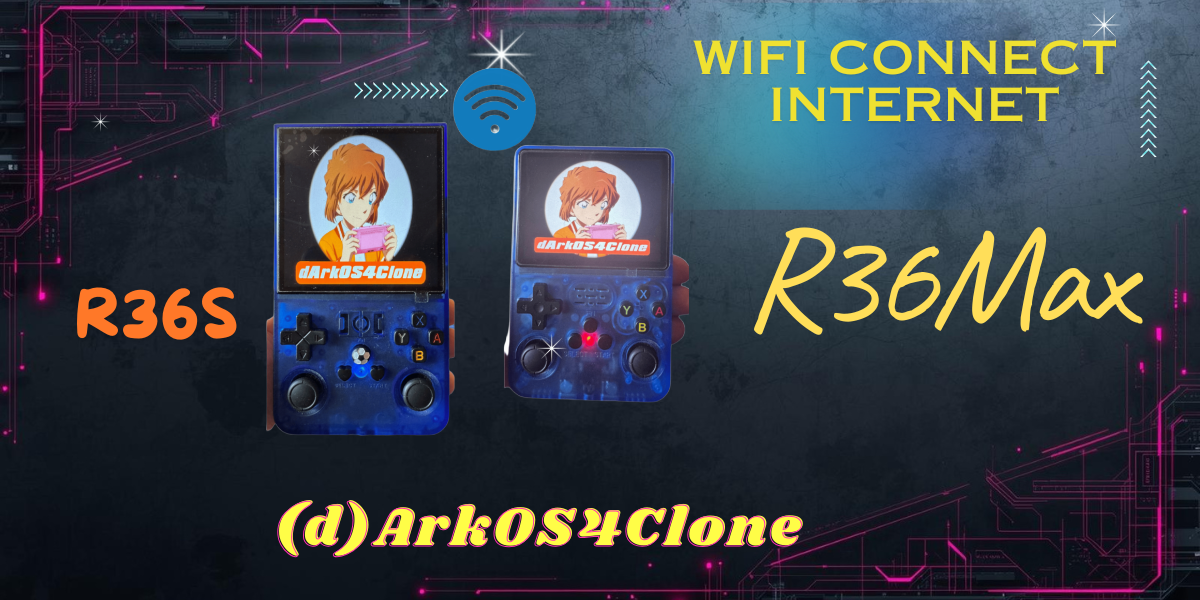
Learn how to connect your R36S or R36Max running (d)ArkOS4Clone to WiFi in just a few simple steps using a USB WiFi dongle.
Read More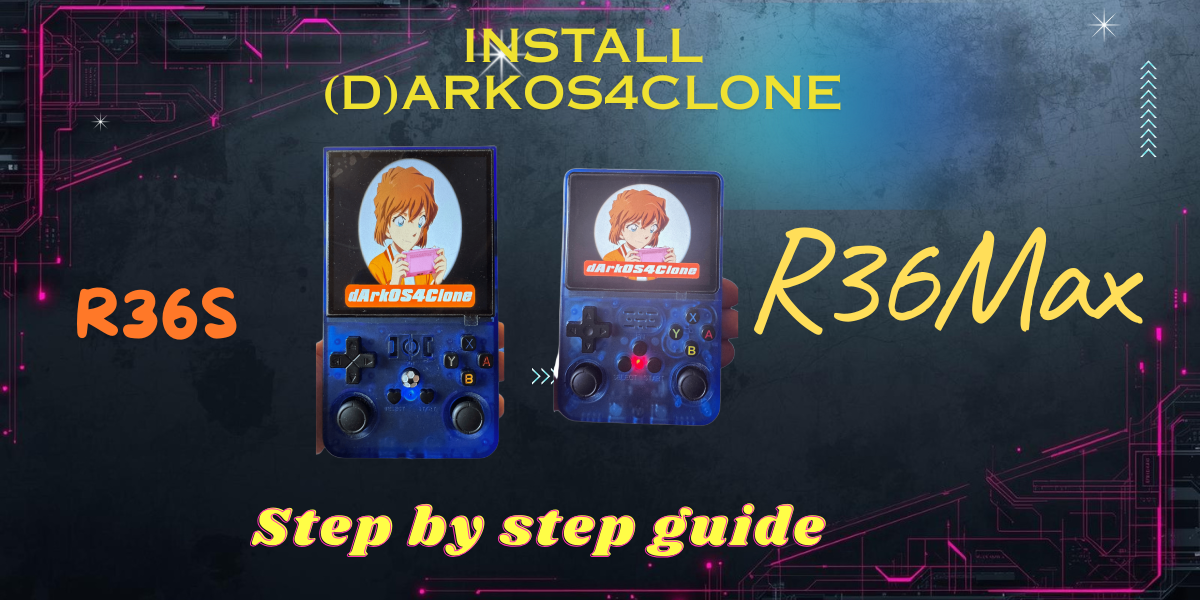
Skip DTB guesswork on R36S and R36Max with a tested ArkOS4Clone install guide, screenshots, troubleshooting, and support.
Read More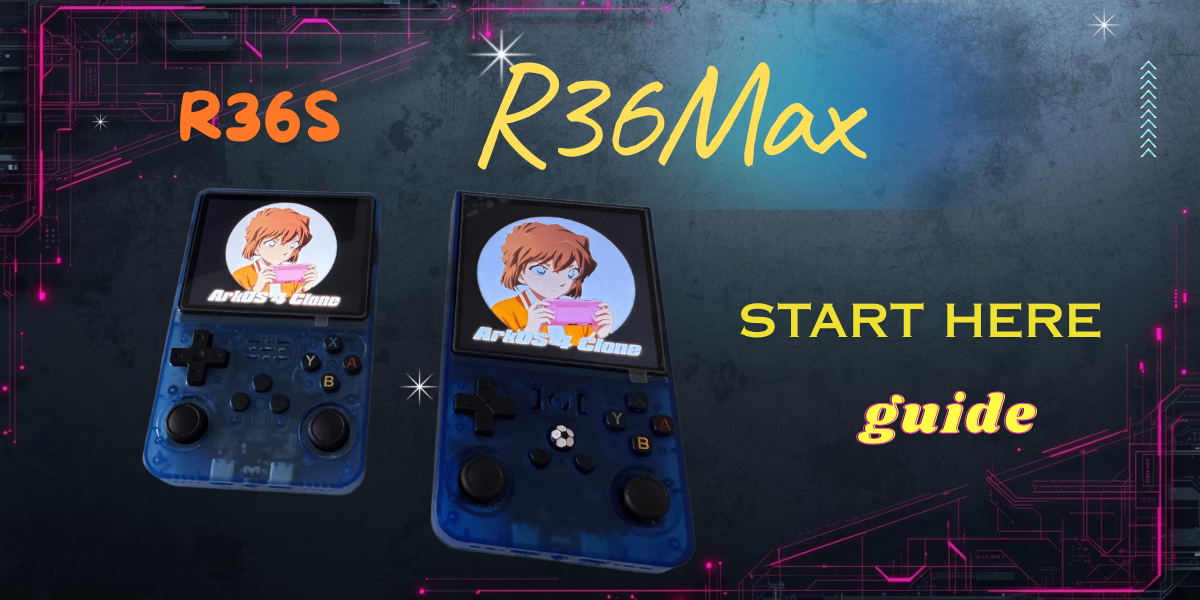
Your complete guide to getting started with ArkOS4Clone on the R36S and R36Max retro handhelds. Installation, updates, troubleshooting & more.
Read More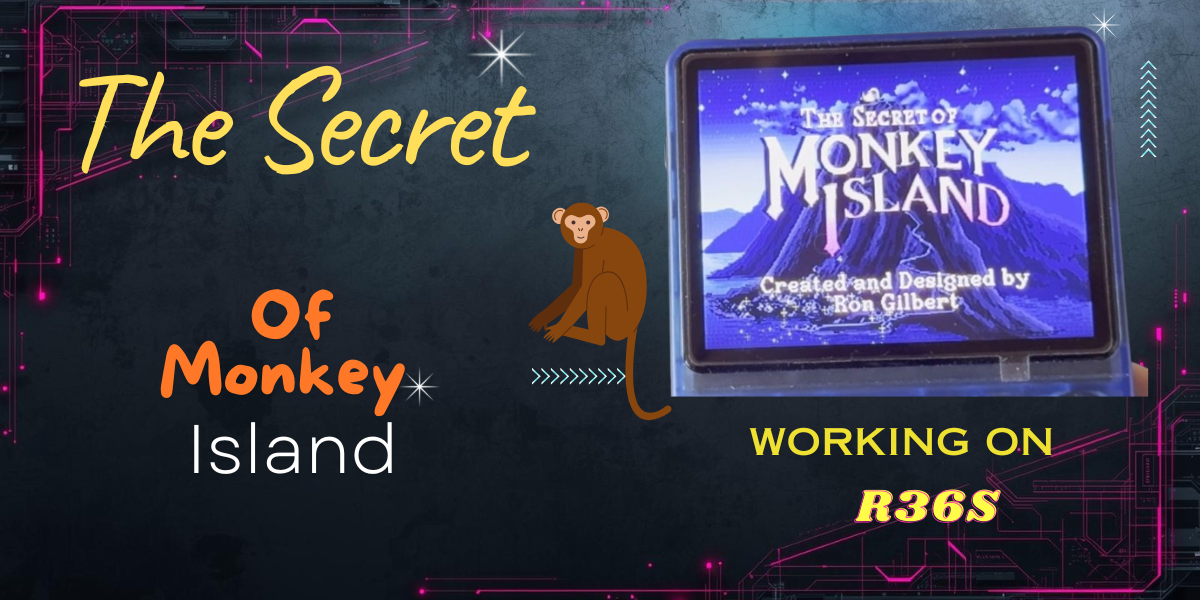
Learn how to install Secret of Monkey Island on R36S, fix the startup issue and enjoy this classic adventure!
Read More
Discover Albion Chat, your AI-powered companion for Albion Online. Plus a surprise giveaway key inside — use it while it's hot!
Read More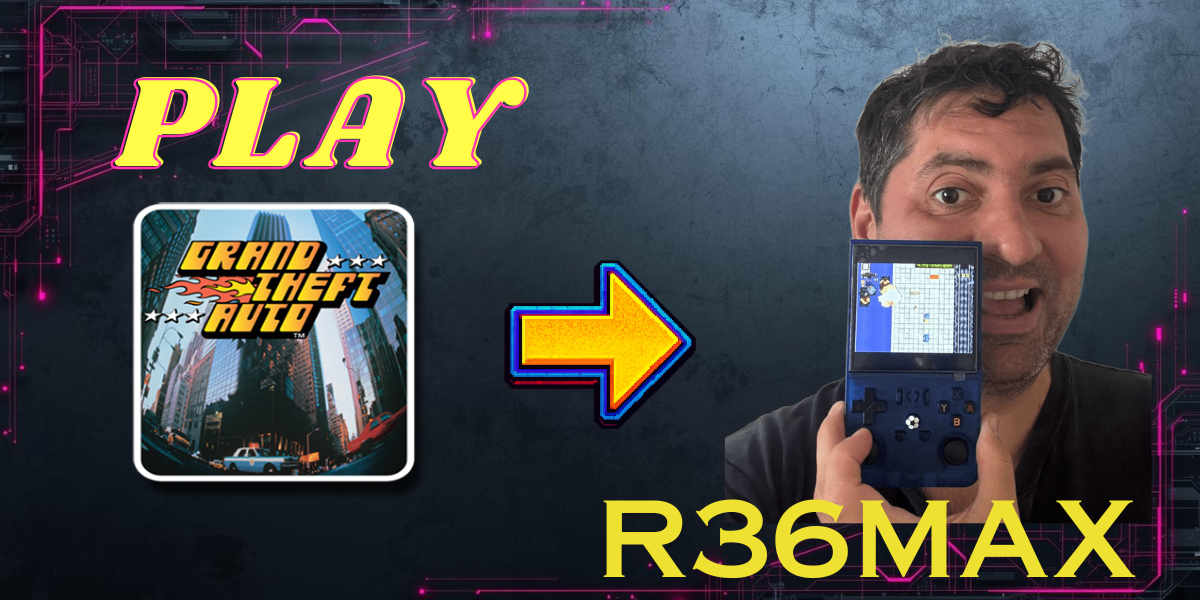
The Grand Theft Auto 1 is a classic which you can enjoy on your R36Max or any modern console nowadays. Learn how to install it in this video.
Read More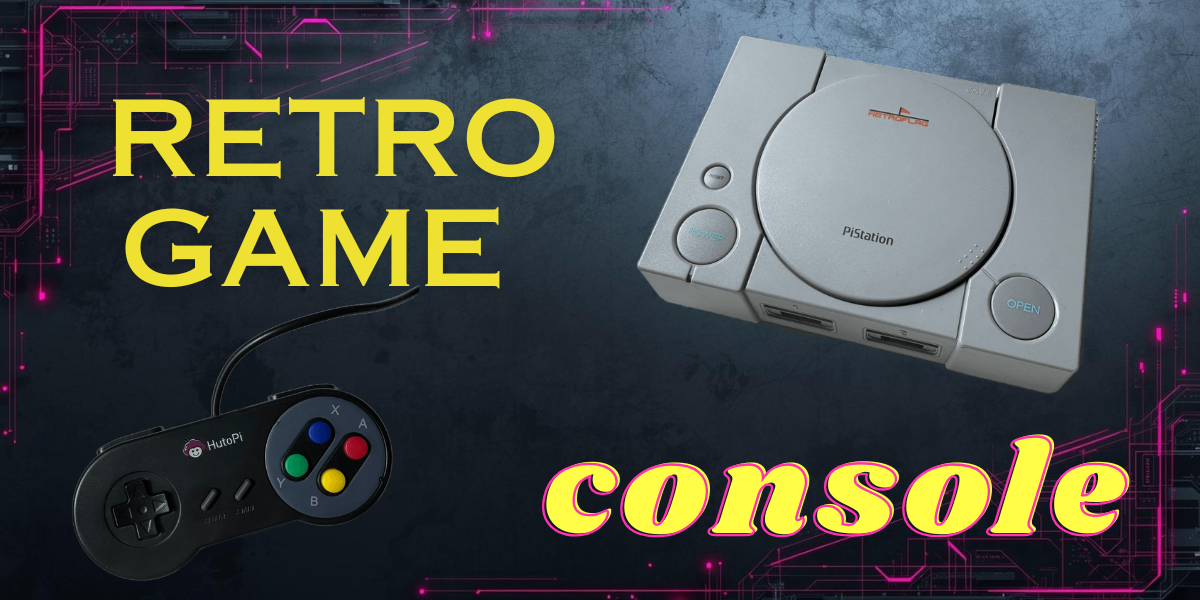
Play hundreds of games on dozens of supported emulators. Recalbox from HutoPi unboxing, setup and lots of gaming fun.
Read More