- 24 Feb 2026
- 🕹 Retro Gaming
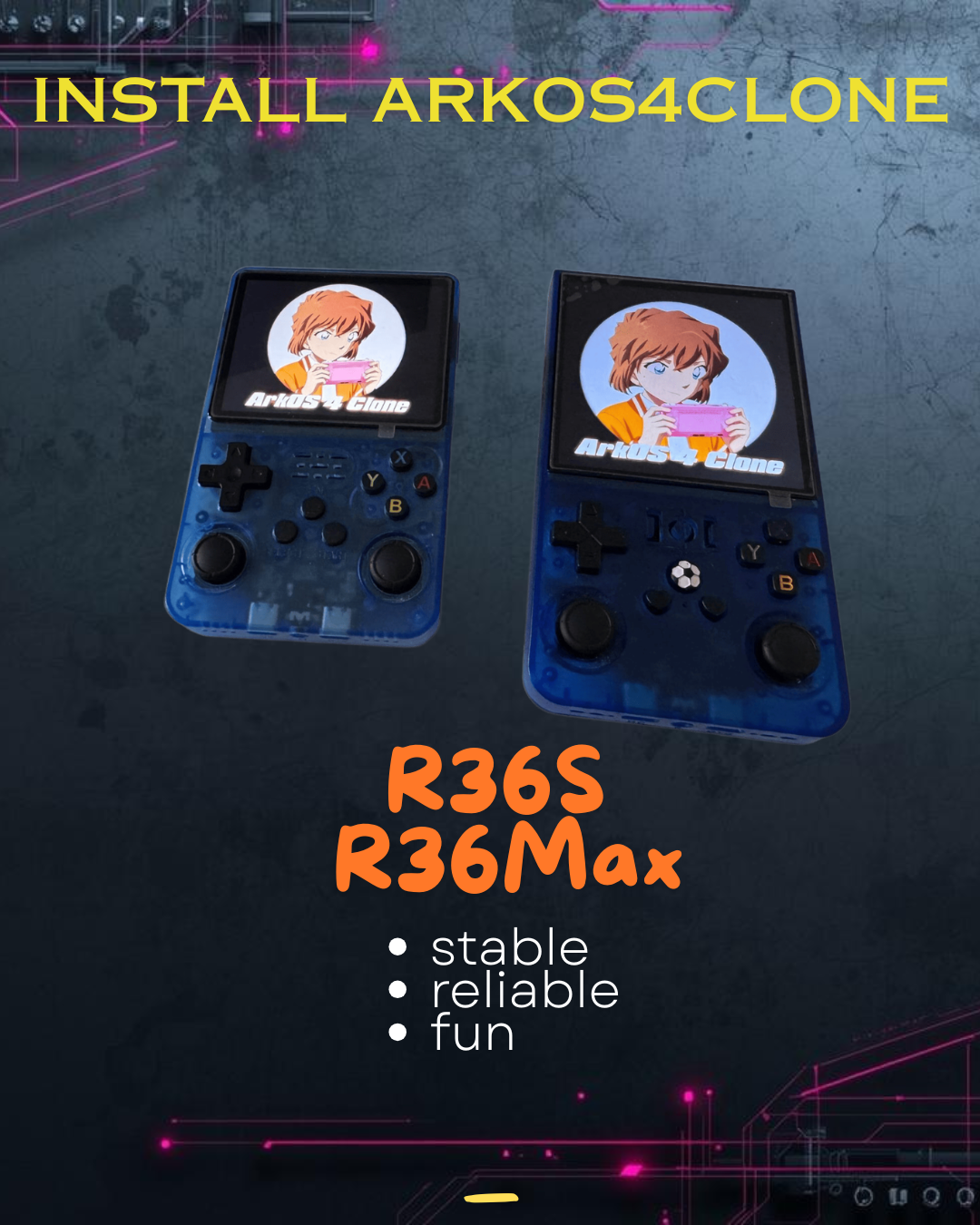
🛍️ Install (d)ArkOS4Clone on R36S & R36Max This post relates to one of my premium products. See product
If you flash your SD card with a new version of ArkOS4Clone and you get a black screen on boot, don't despair, your device is not bricked! There's actually a good explanation why this is happening. Most likely the problem is with this DTB file.
A DTB file stands for "Device Tree Blob" (or binary) and it tells the OS what hardware is running on.
Actually, the DTB config is a crucial part of the process of installing ArkOS4Clone. Here are the links if you need to install from scratch:
- Github releases
- Repository with supported devices
That's why I created the premium guide promoted in this article. Many people fail to identify the right DTB, hence the device simply doesn't start! In this guide I've covered the exact steps to add the right DTB and how to use a tool to identify your original device DTB to skip the frustration. Plus, you also get Discord support directly from me, in order to enjoy your favorite retro games on the R36S, R36Max and other supported consoles!
If you have any issues or concerns, don't hesitate to leave me a comment on YouTube or contact me directly.
Check out 👉
Install (d)ArkOS4Clone on R36S & R36Max
👈
— Battle-tested install guide with DTB selection help and Discord support included.
USD 8.99
🖼️ Show more info