
- 06 Jul 2026
- 🕹 Retro Gaming
How to Connect (d)ArkOS4Clone to WiFi on R36S & R36Max
Getting your R36S or R36Max online is easier than you might think! Whether you want to scrape box art, update your system, or transfer ROMs wirelessly, here's how to get connected in minutes.
What You'll Need
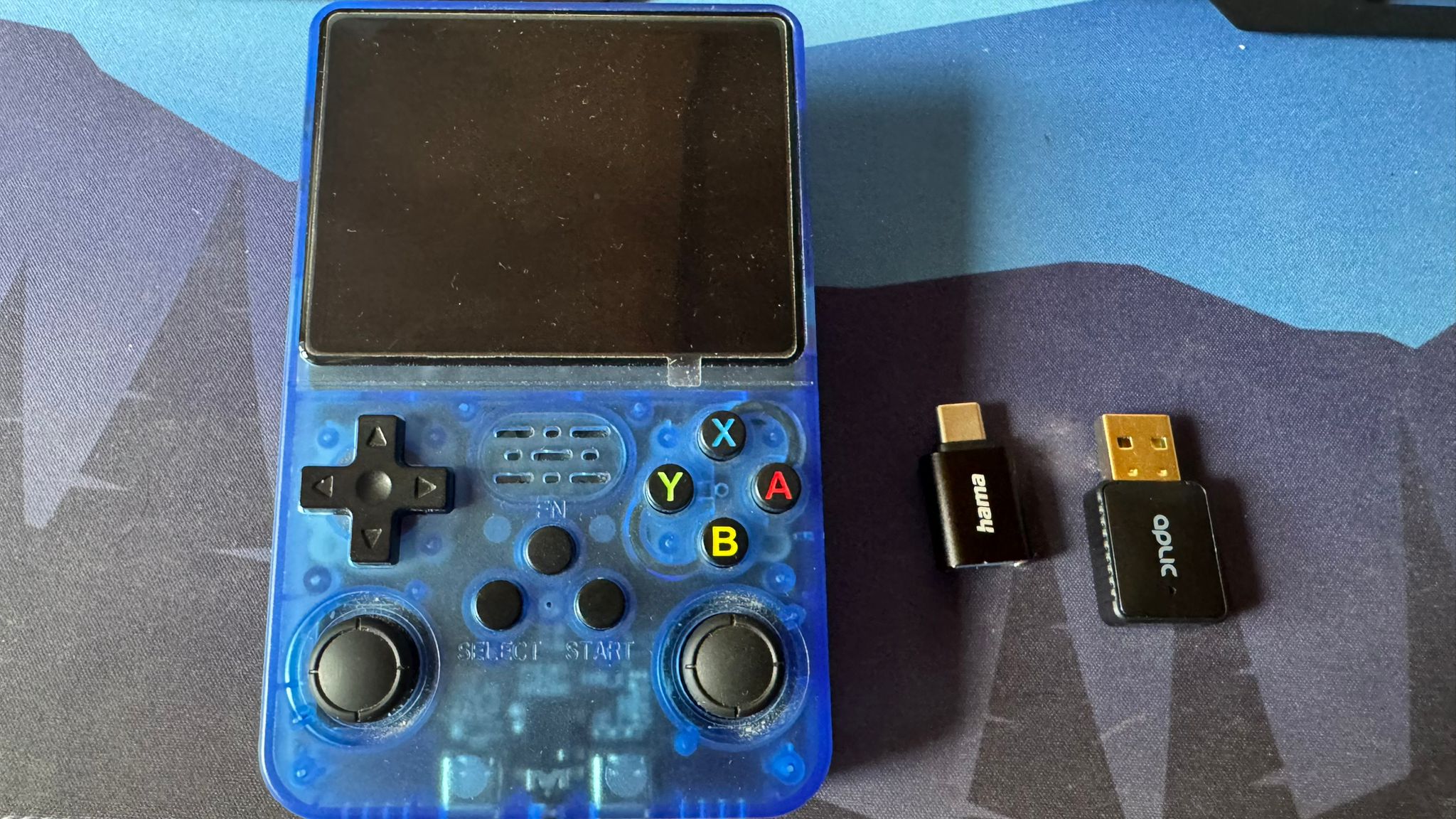
- Your game console – R36S or R36Max
- A USB WiFi dongle – make sure it's Linux-compatible
- A USB-to-Type-C adapter – to plug the dongle into your device
Step-by-Step Instructions
1. Plug in the WiFi Dongle
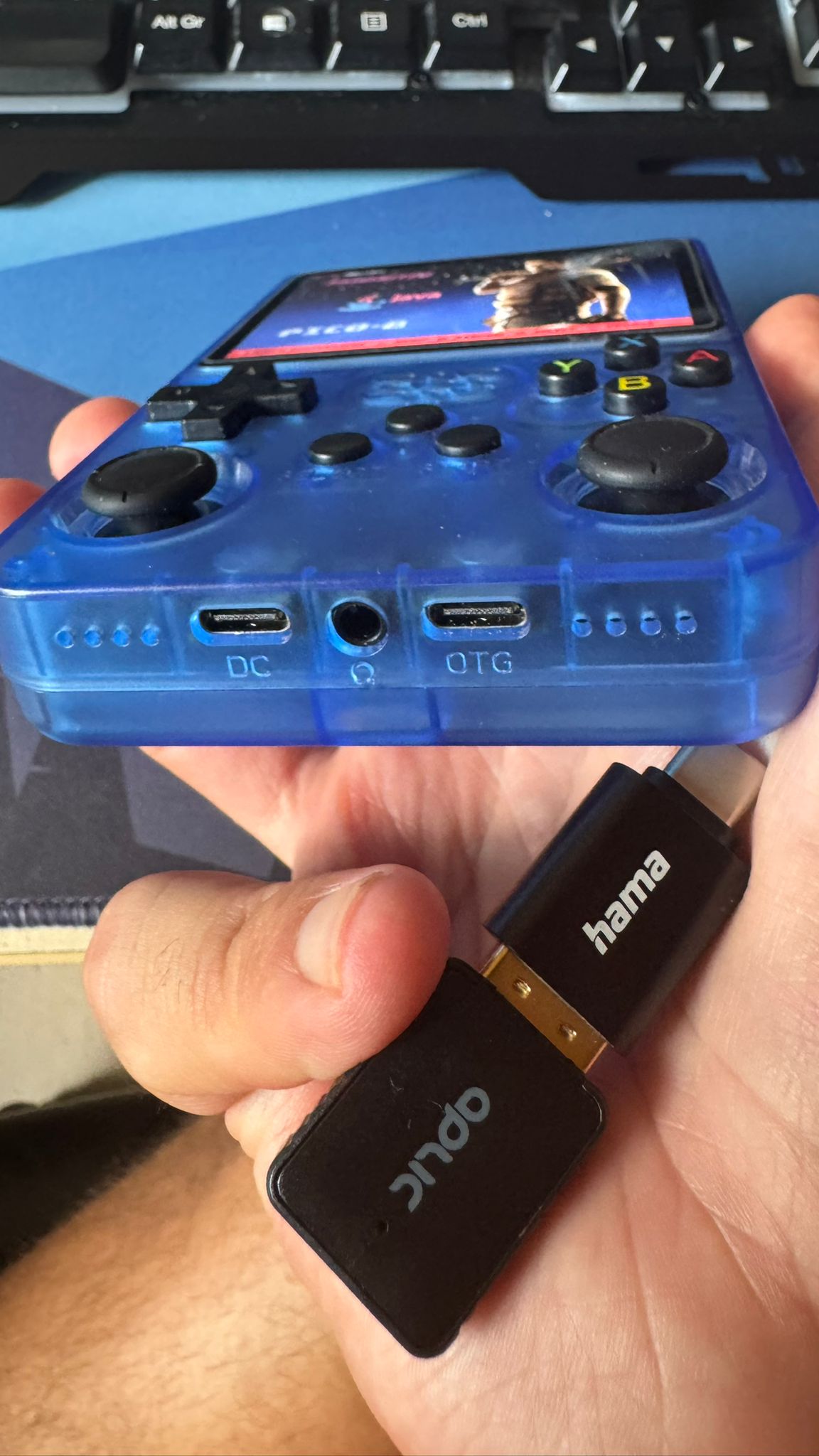
Connect your WiFi dongle to the USB-to-Type-C adapter, then insert it into your device's USB-C port. Make sure to insert it in the OTG port, see below to the right!
2. Start Your Device
Power on your R36S or R36Max as usual. The system should detect the dongle automatically.
3. Navigate to WiFi Settings
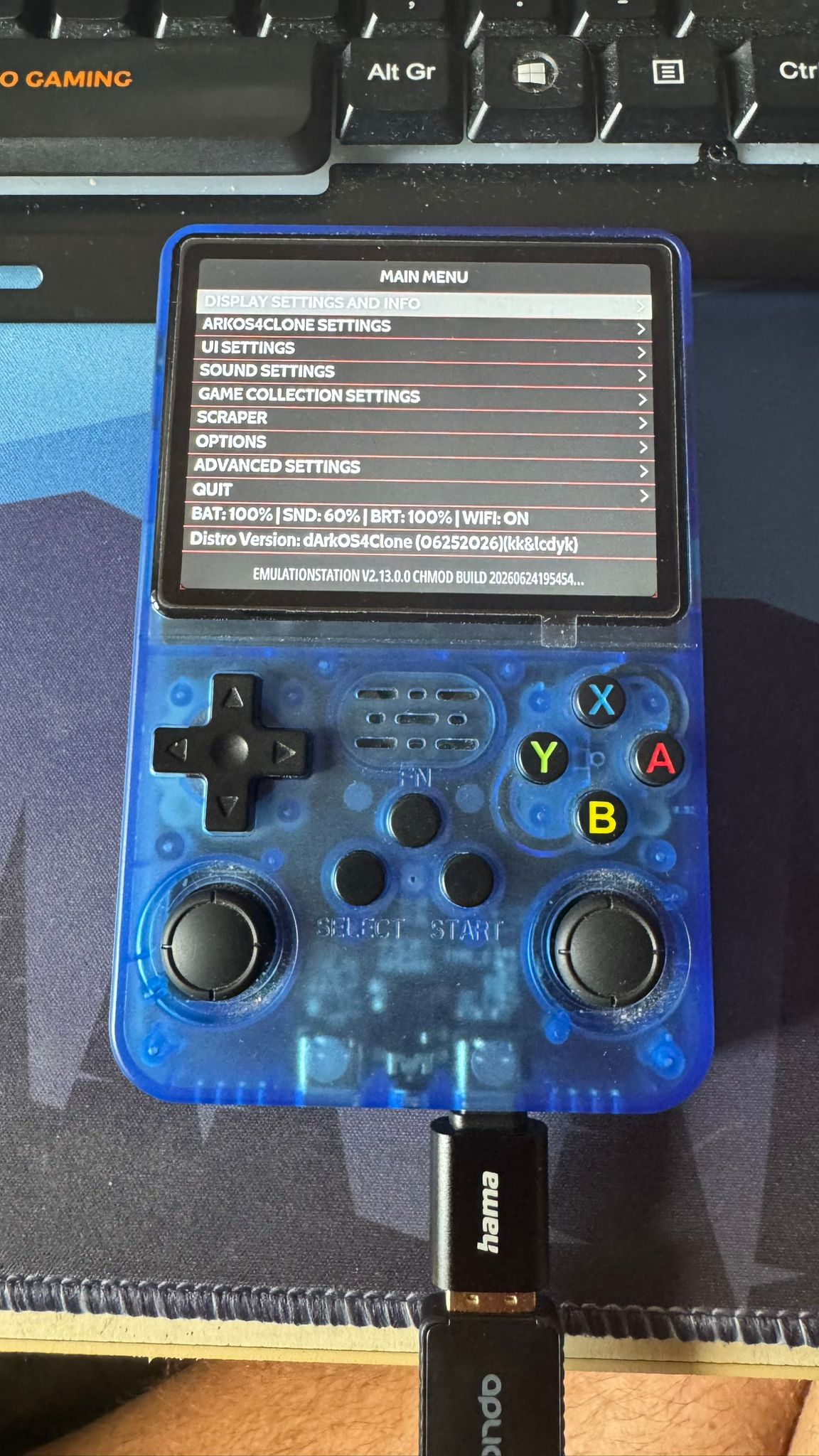
Press the Start button and Head over to:
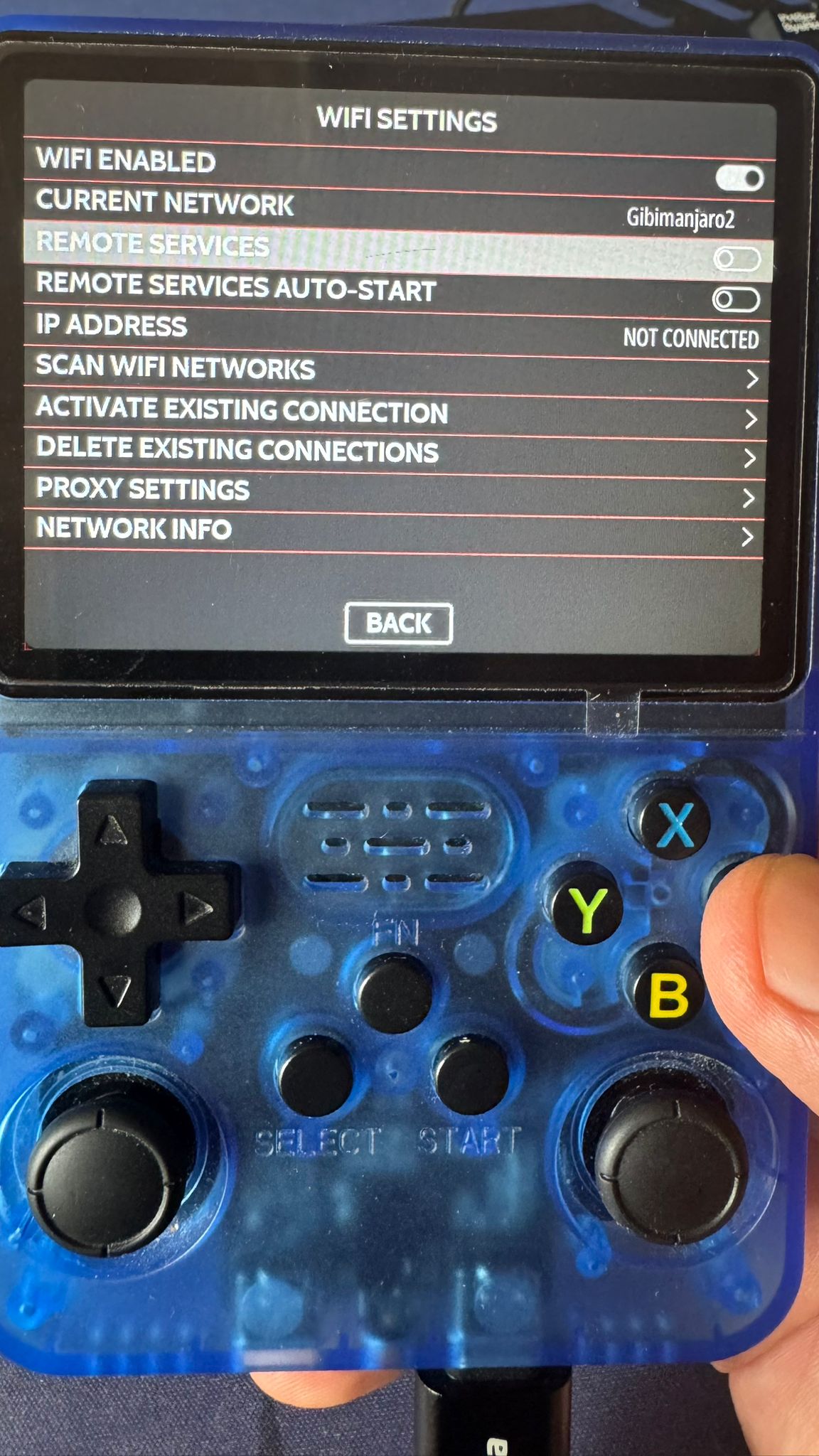
Settings → ArkOS4Clone Settings → WiFi
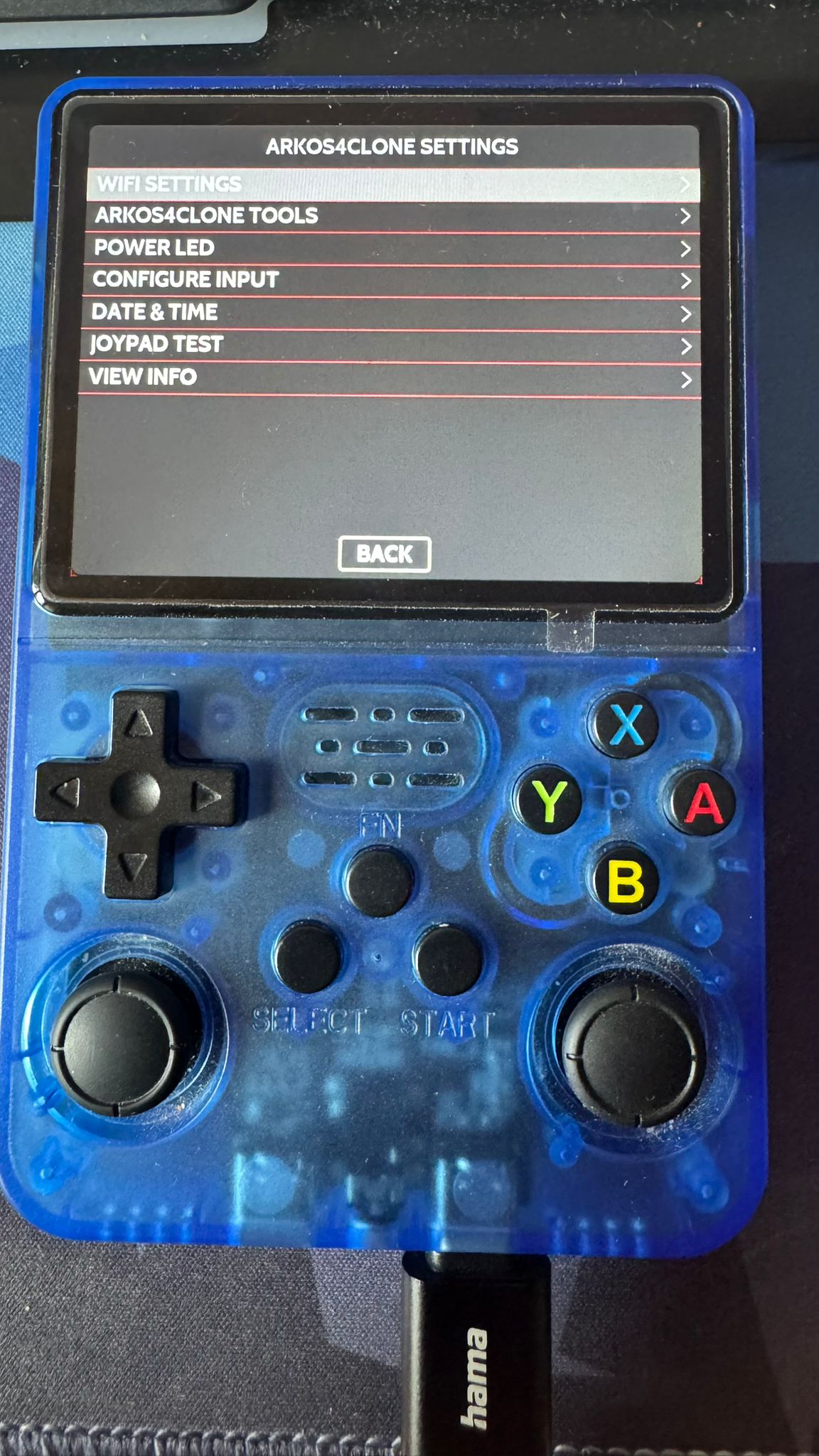
4. Enable WiFi
Make sure WiFi is enabled. If it's toggled off, turn it on first.
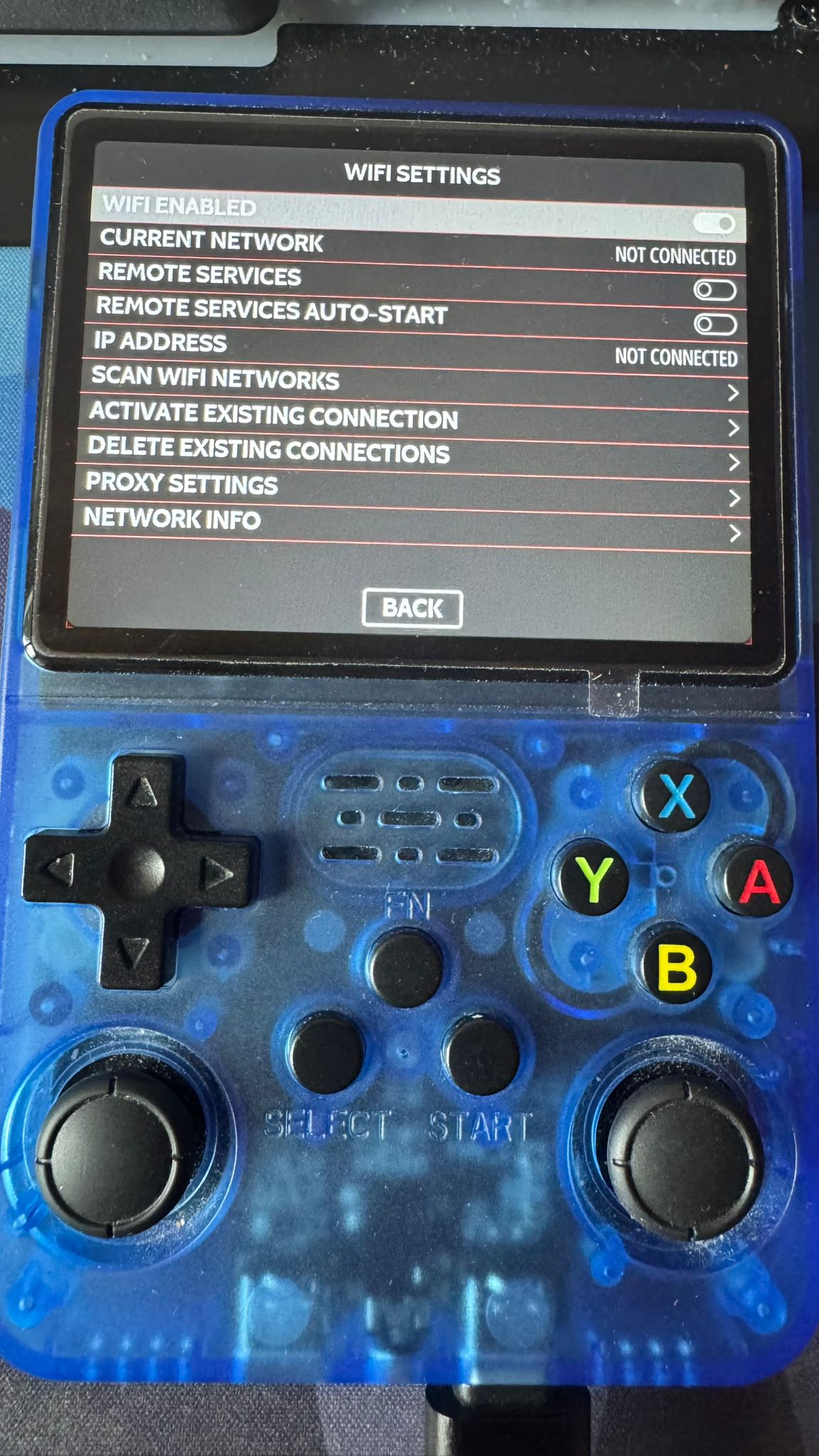
5. Scan for Networks
Select "Scan WiFi Networks" and wait for the list of available networks to populate.
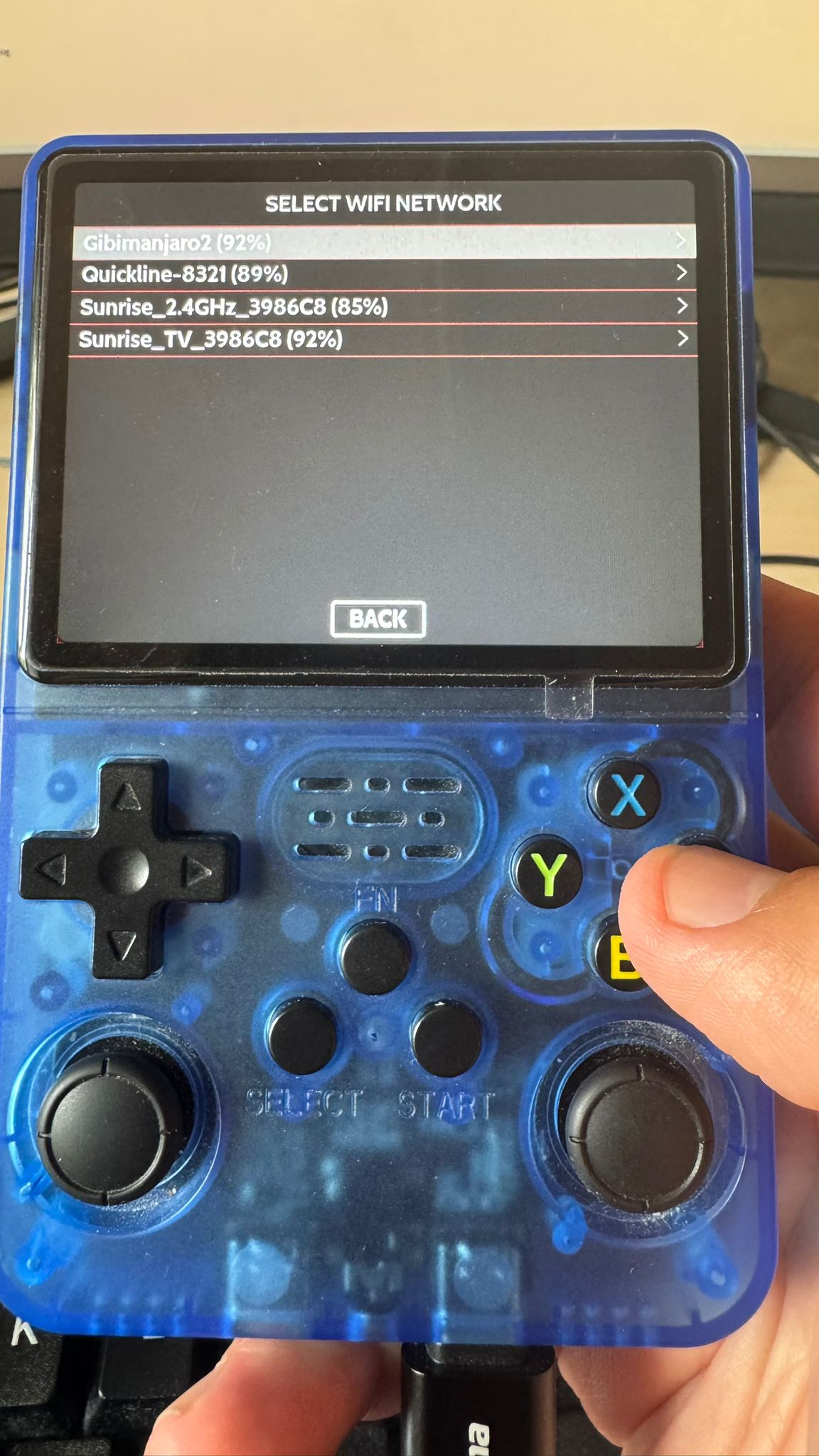
6. Connect to Your Network
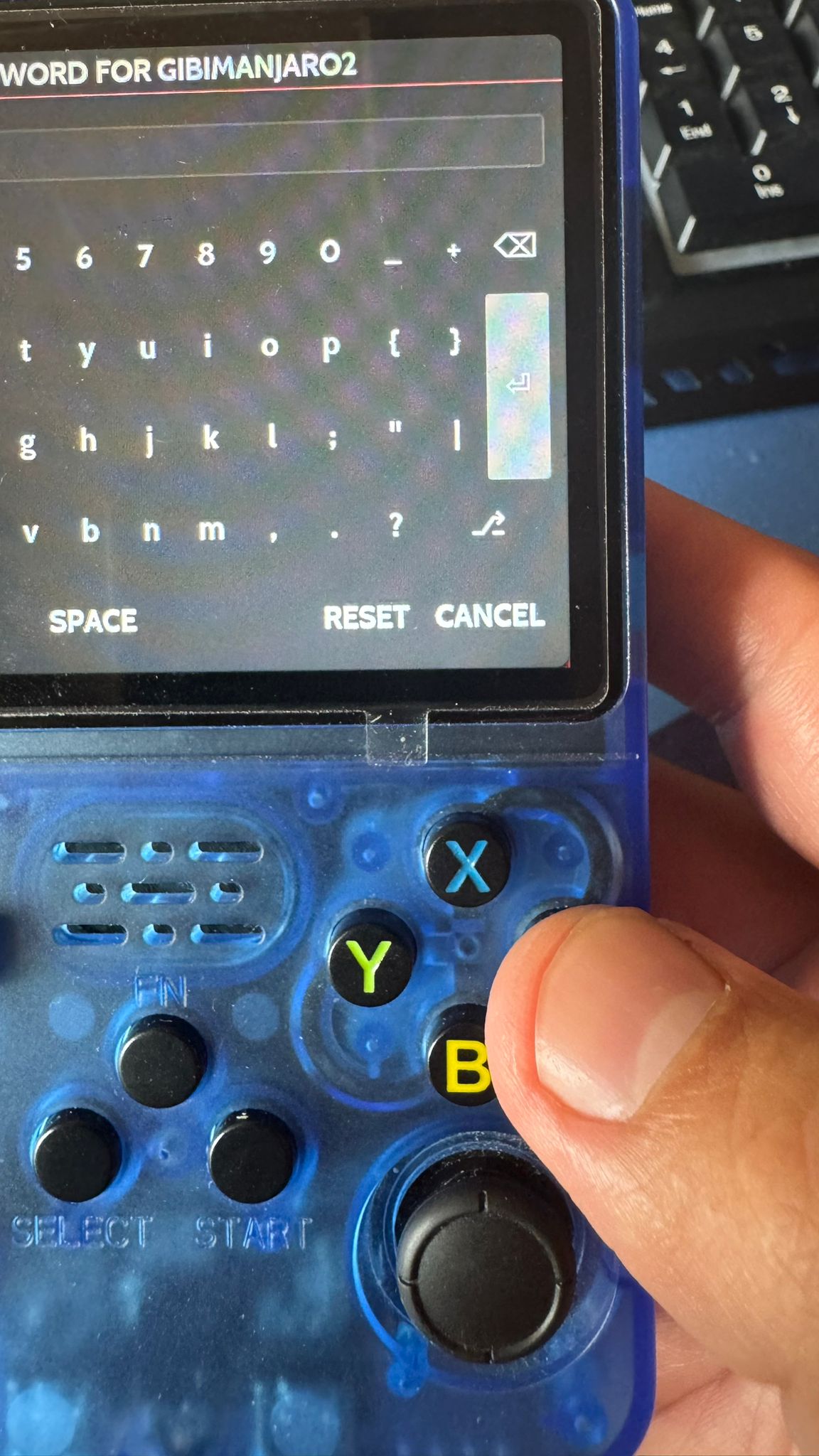
Select your WiFi network from the list, type in your password, and hit Enter. After a couple of moments, you should be connected! 😄
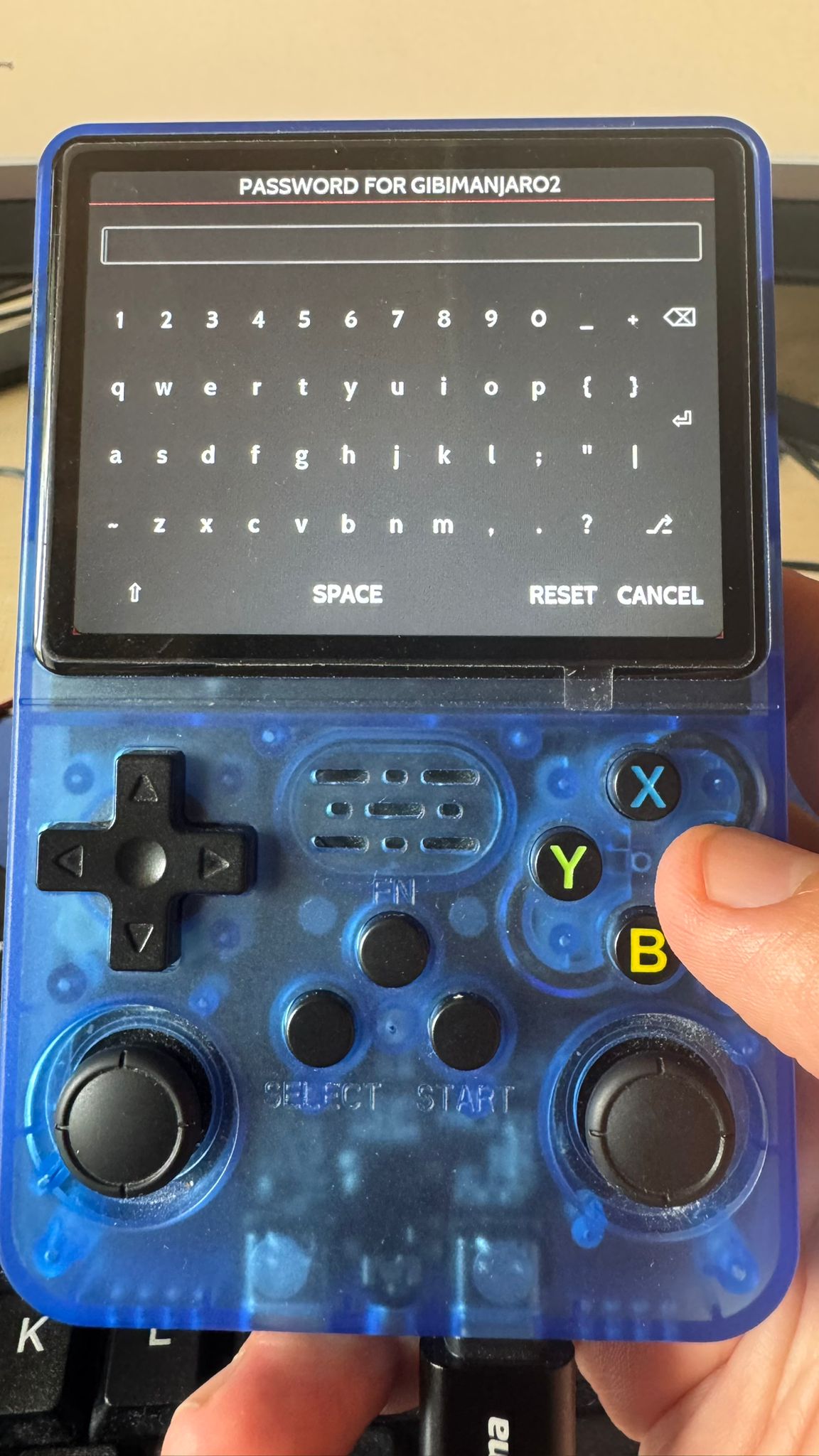
Troubleshooting Tips
- If your dongle isn't detected, try a different USB WiFi adapter – not all chipsets are supported.
- Double-check your password – the on-screen keyboard can be tricky!
- If the connection drops, try rescanning and reconnecting.
That's it – you're online! Now go scrape some box art and make your library look gorgeous. 🎮
Where to next?
If you have a fresh install, the issue is that you have no games, so the natural and quickest option is to get PortMaster running and download some games. Follow this article for more!