
- 15 Jul 2026
- 🕹 Retro Gaming
What is PortMaster?
PortMaster is a convenient tool built into (d)ArkOS4Clone that lets you browse, download and install a huge library of native games directly on your handheld — no PC required. Most games are completely free, while some shareware titles like Diablo and Cattails require additional game files (we'll cover that in a separate post).
Video Guide
The video above was recorded on an older ArkOS4Clone release, but don't worry — the installation steps are identical. The only minor difference is how you launch the PortMaster tool. For (d)ArkOS4Clone, the written steps outlined below in this article are fully up to date.
Prerequisites
- (d)ArkOS4Clone correctly installed on your R36S, R36Max or other supported device - check this article
- (d)ArkOS4Clone connected to the internet — PortMaster needs a connection to fetch the game catalog and download games - check this article
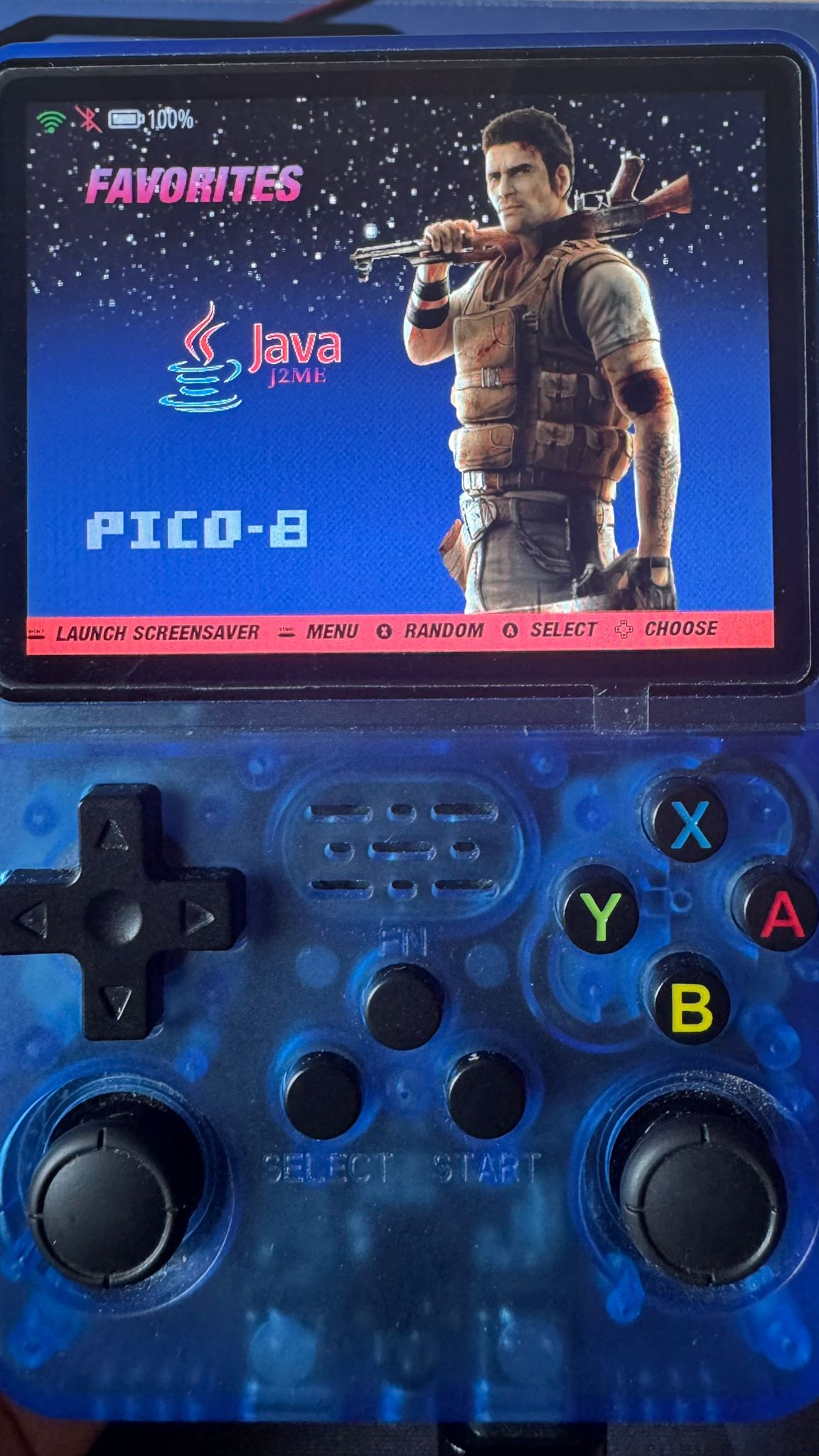
Step 1 — Open PortMaster
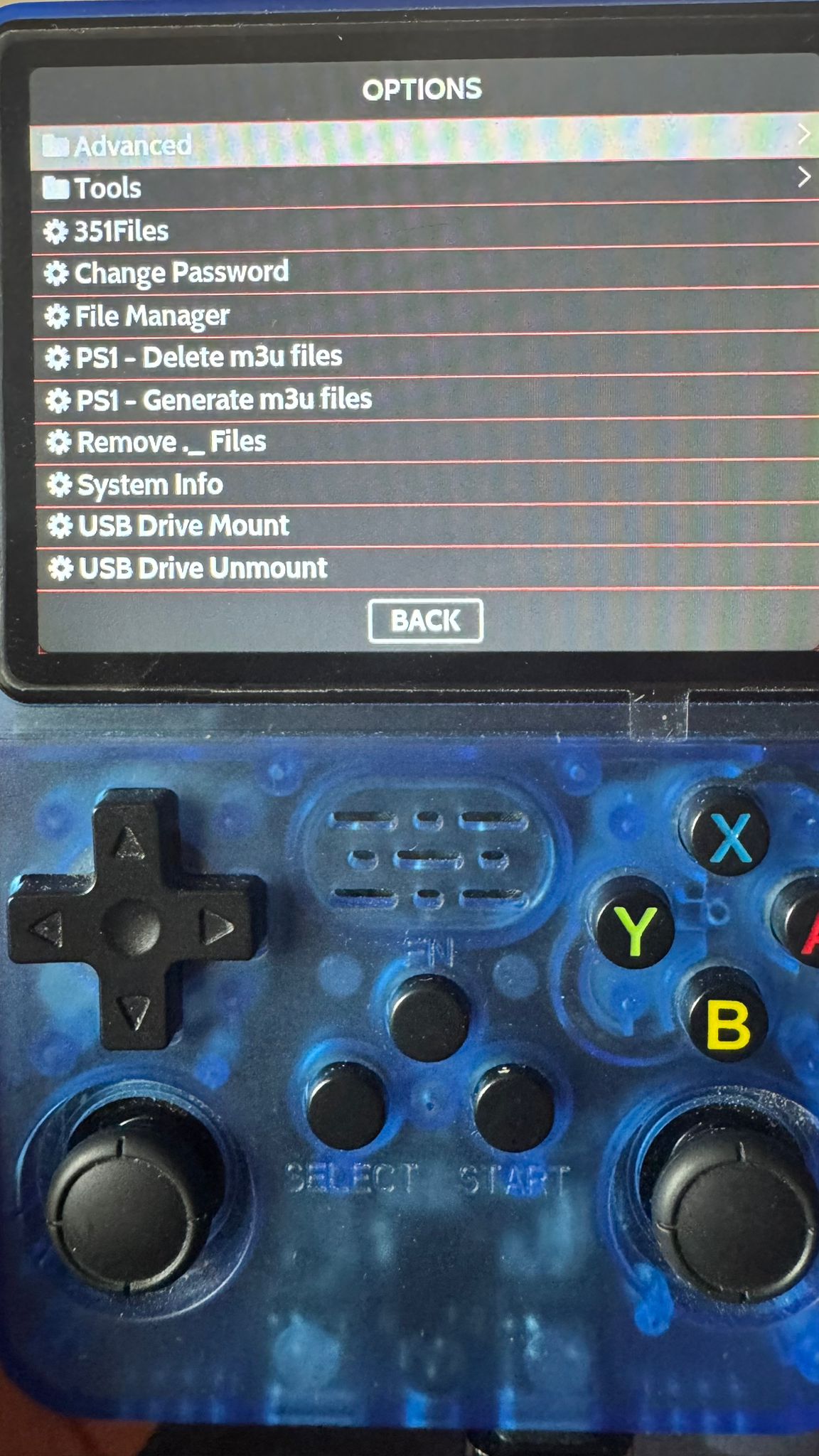
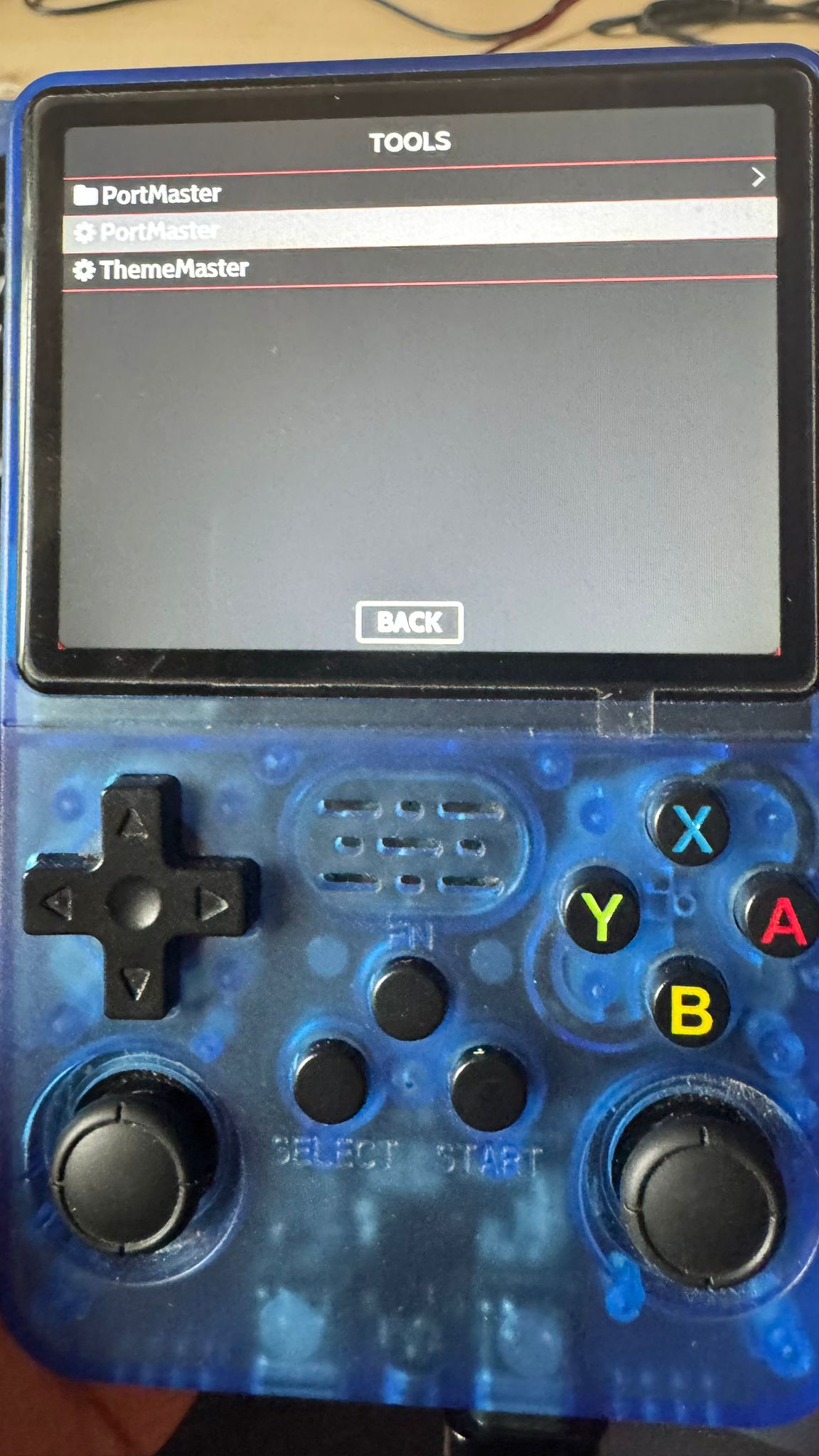
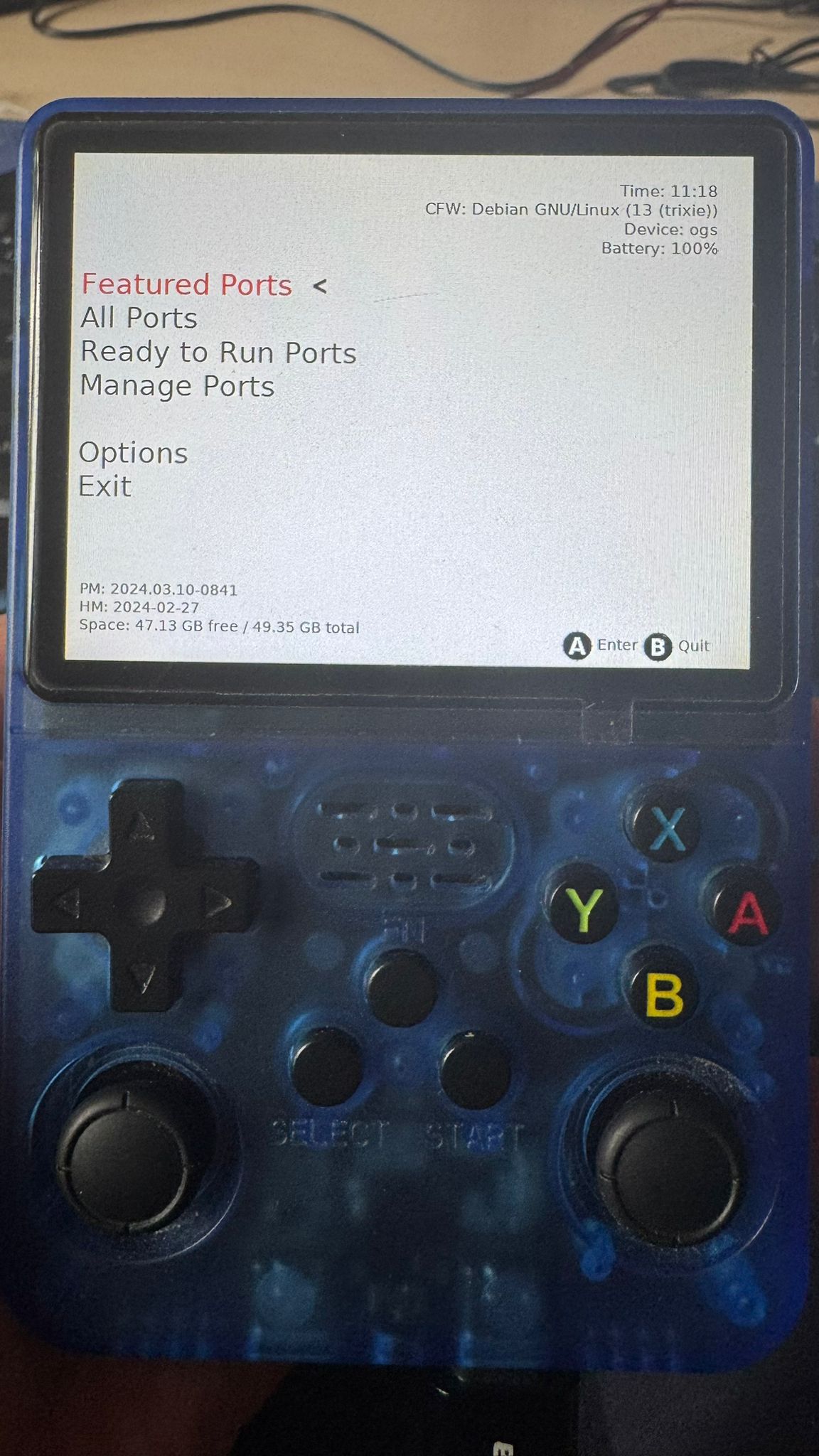
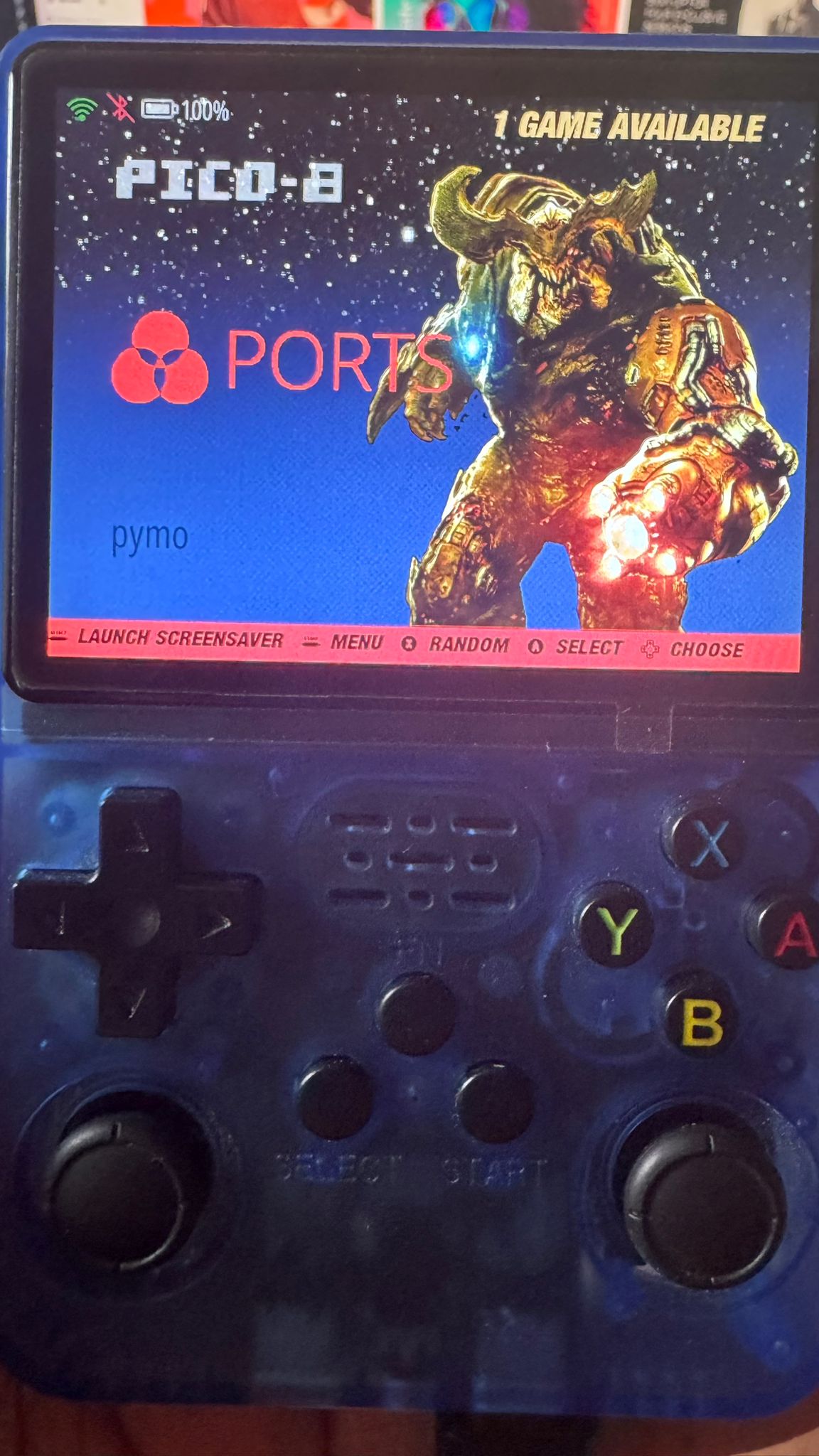
Press the Start button. Go to Options => Tools and select Ports to launch PortMaster.
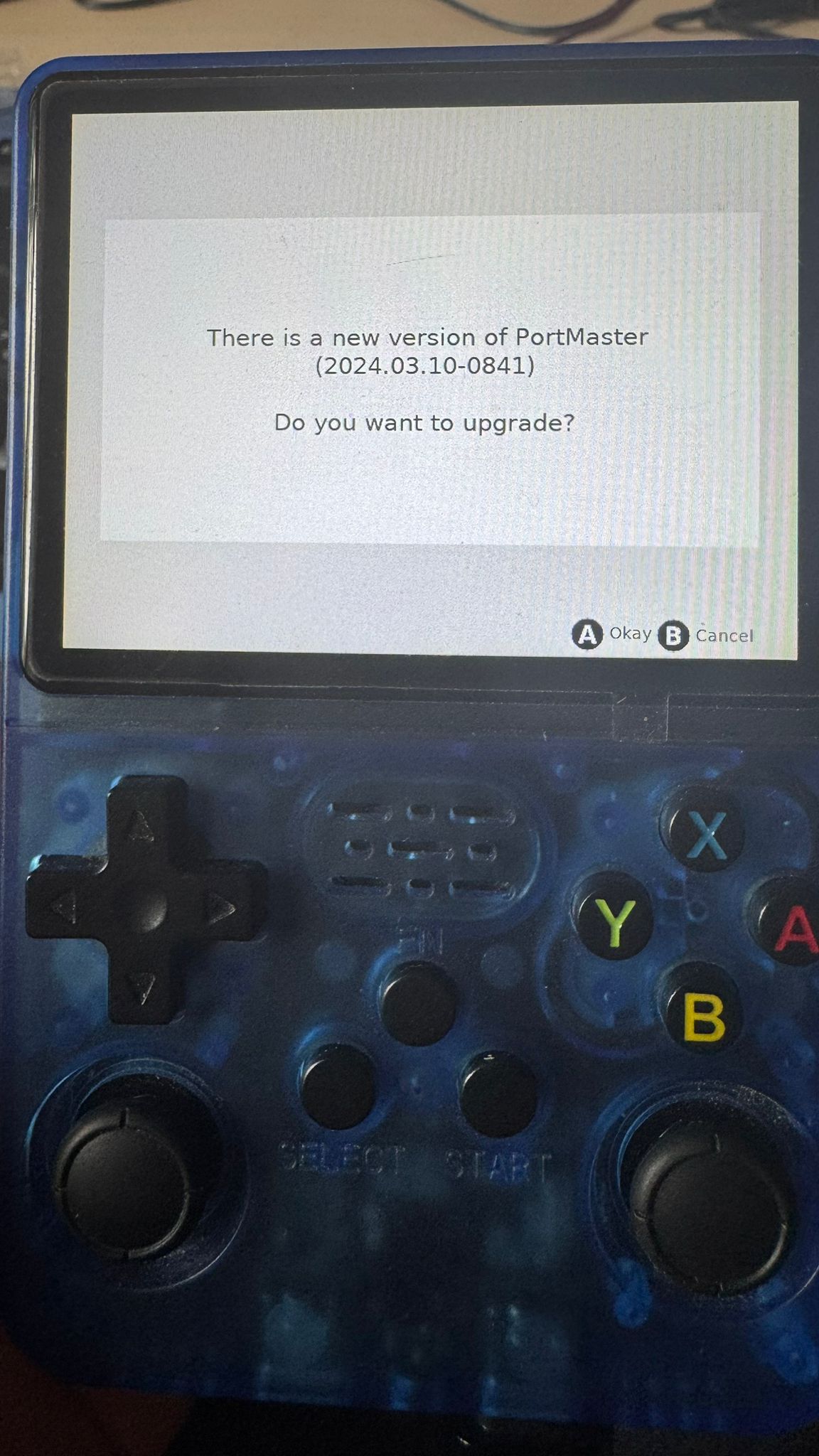
Step 2 — Let It Update
On first launch (or after a while), PortMaster will check for updates and refresh its game list. Let it finish — this usually takes just a few seconds.
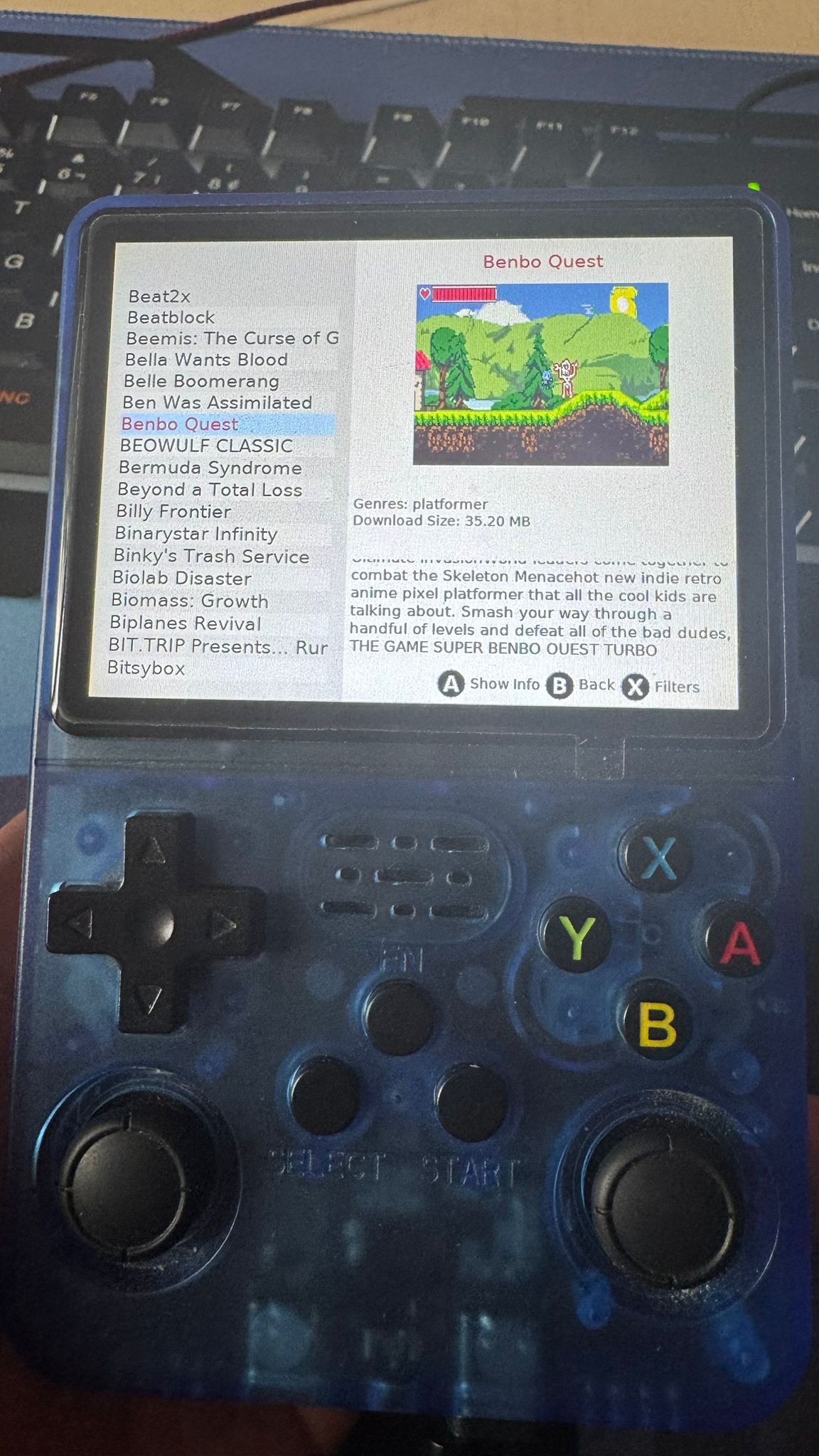
Step 3 — Browse the Games List
Once updated, you'll see the full catalog. Scroll through or use the search feature to find something that catches your eye. You'll find platformers, RPGs, puzzle games and more.
Step 4 — Install
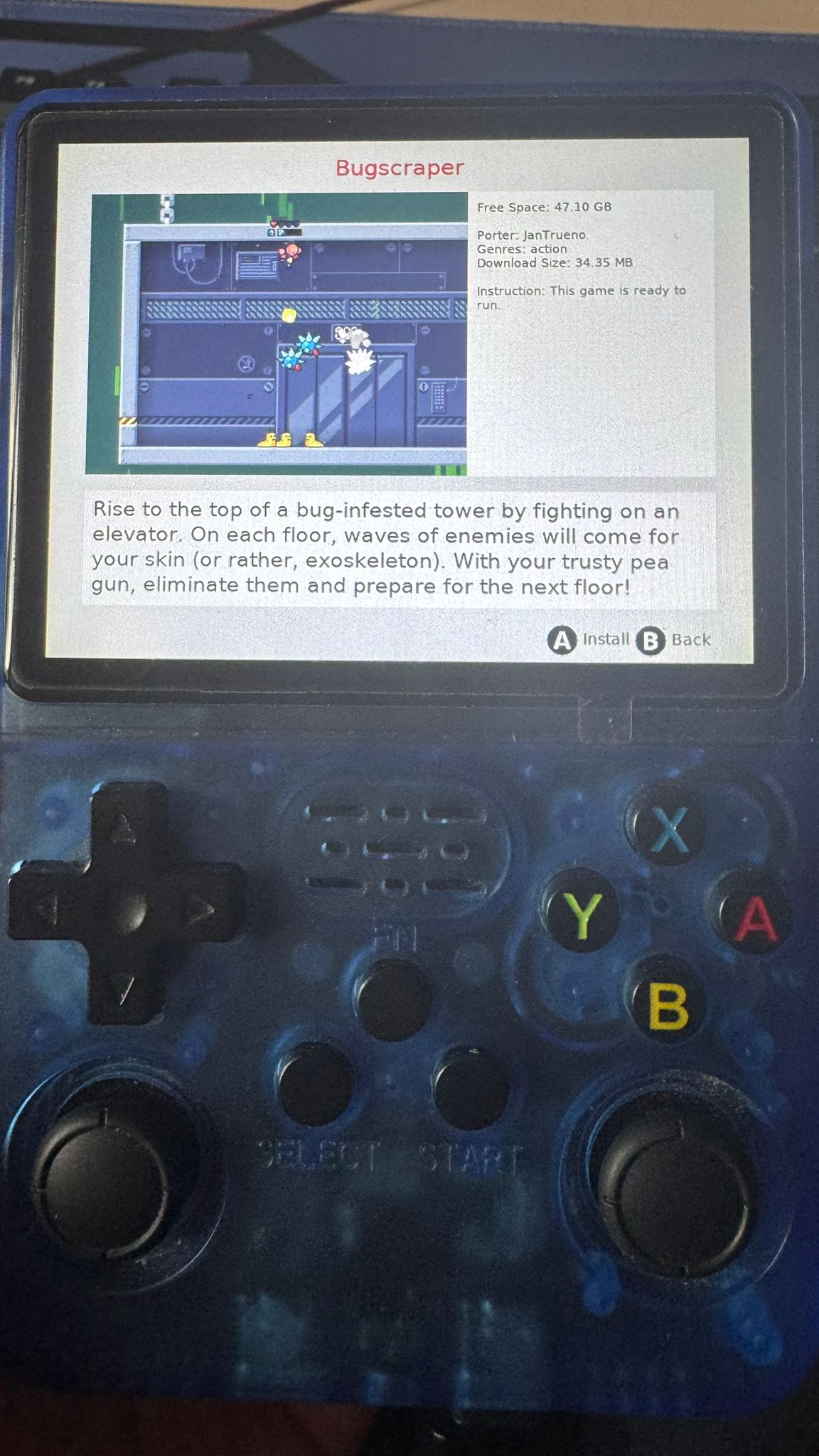
Select a game and hit Install. PortMaster will download and set everything up automatically. Depending on the game size and your connection, this can take a moment.
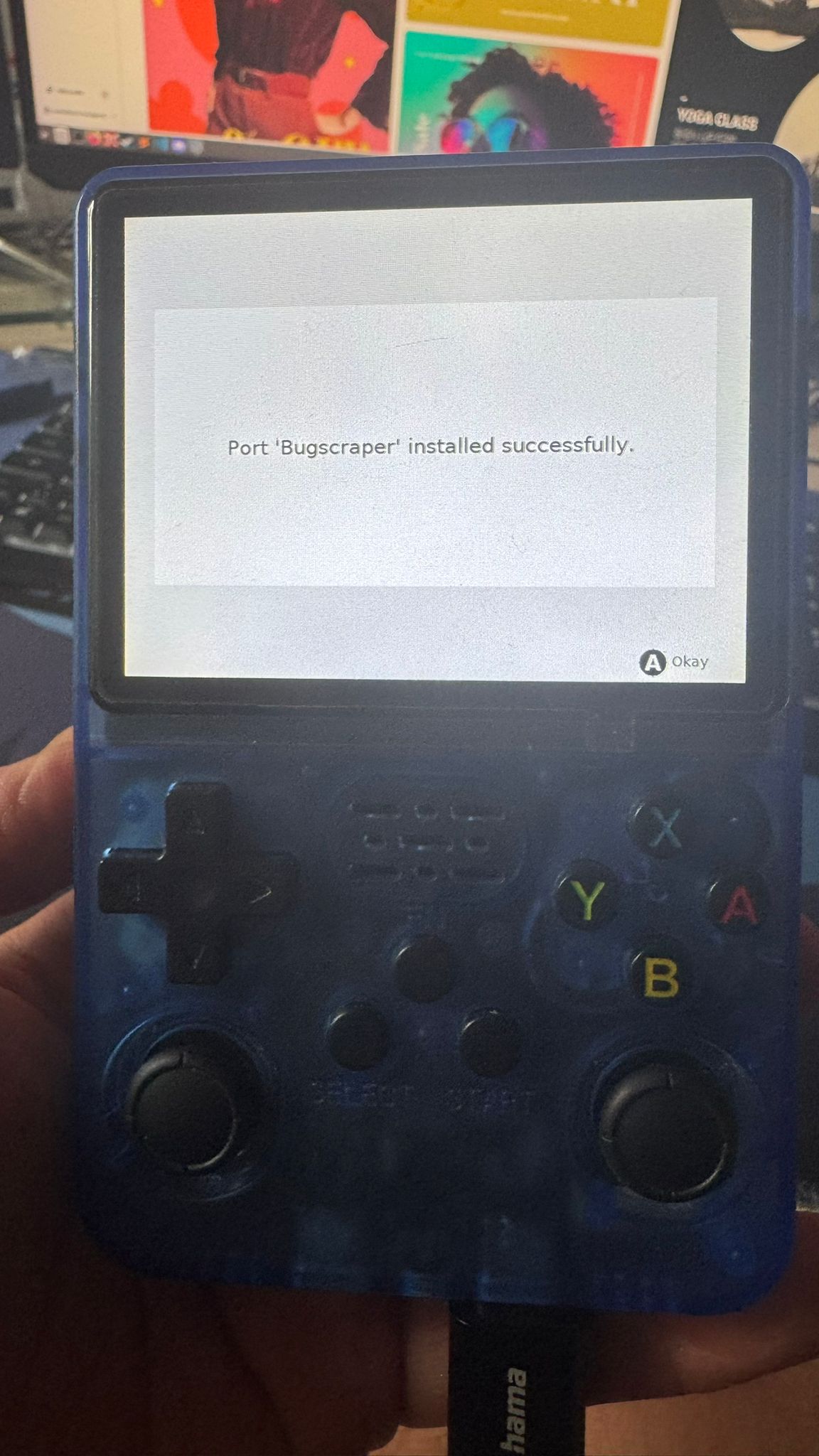
Step 5 — Exit PortMaster and Play
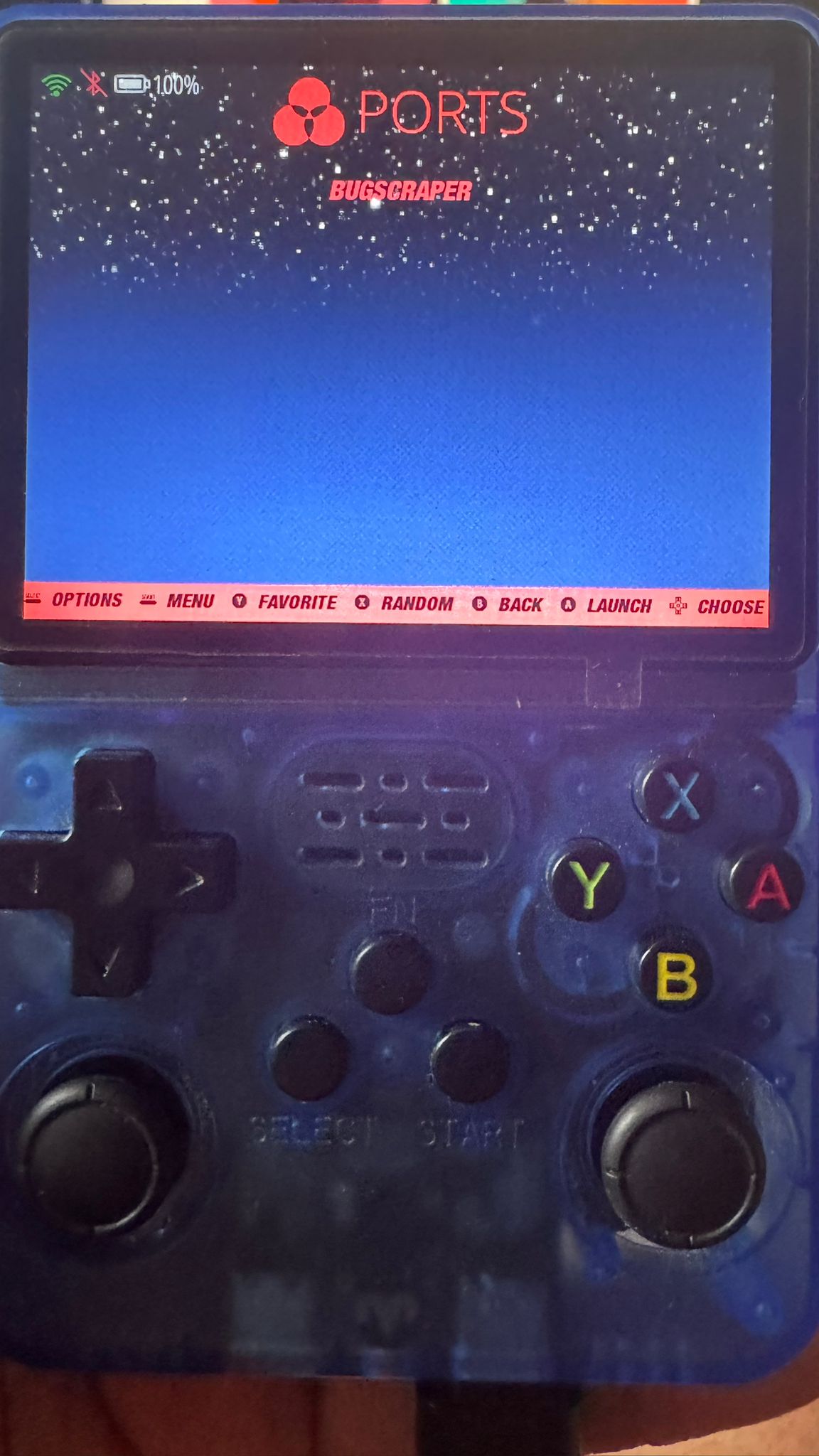
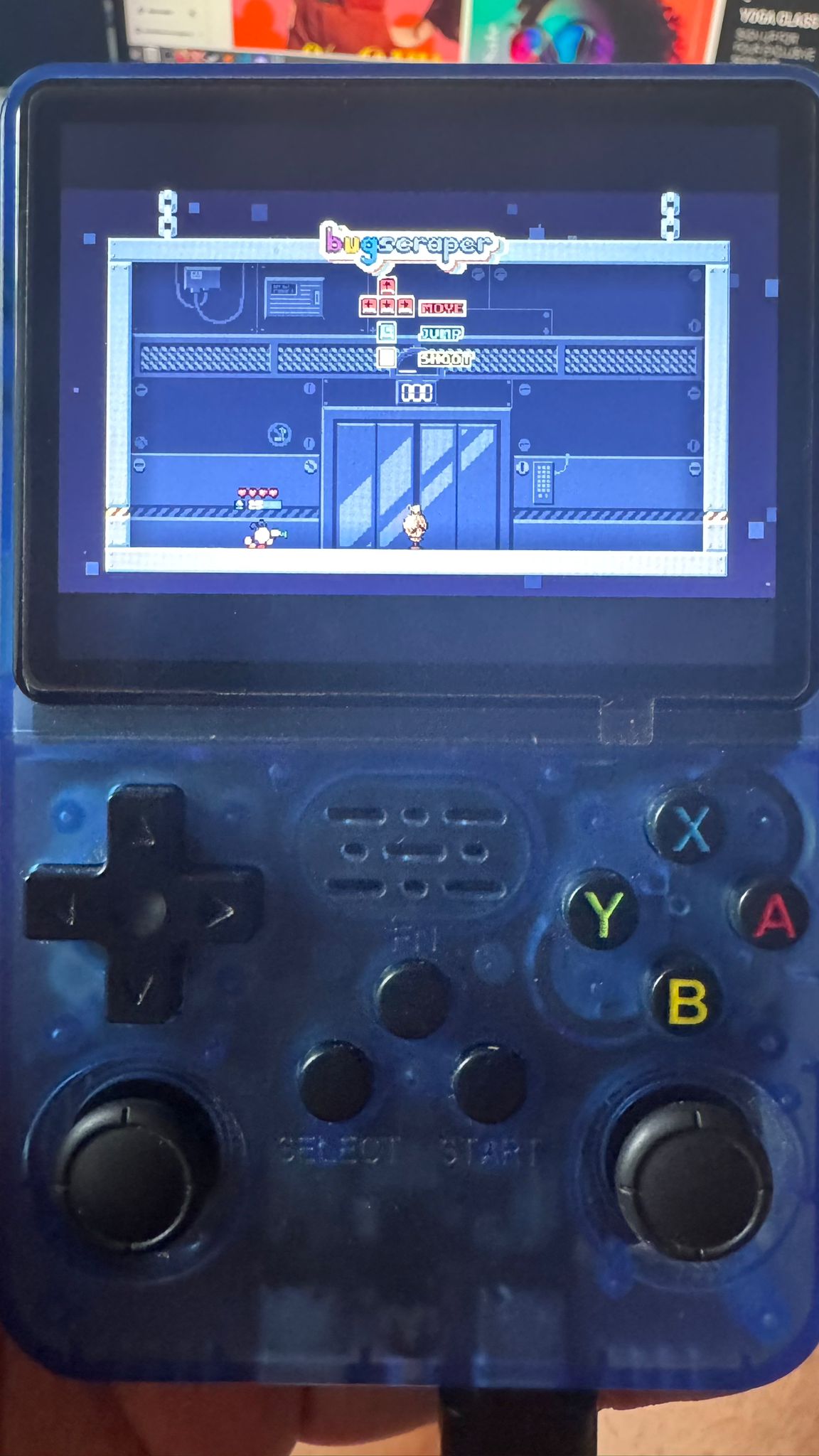
Once the installation is complete, exit PortMaster. Head back to the Ports section and your newly installed game will be right there, ready to launch. Enjoy!
Where to Go Next?
Want to play classic console and arcade titles? Check out our guide on how to install emulator games on (d)ArkOS4Clone and load up your device with retro goodness.
No device and prefer browser? I also have some awesome retro games in browser here!.