- 25 Jun 2026
- 🕹 Retro Gaming
(d)ArkOS4Clone on R36S & R36Max - Start Here
Welcome! If you are getting started with ArkOS4Clone on the R36S or R36Max, this page brings the most useful guides together in one place. Instead of digging through random videos and forum posts, you can use this hub to get your handheld set up, updated, fixed, and ready to enjoy.
Whether you just bought one of these retro handhelds or you are trying to sort out an existing setup, the guides below will help you get to a stable and enjoyable ArkOS4Clone experience faster.
1) Install (d)ArkOS4Clone
-
 If you are setting up an R36S or R36Max, start here. You will go through the core installation process step by step, including preparing the SD card, flashing the image, and getting your handheld to boot properly for the first time.
2) Update ArkOS4Clone
-
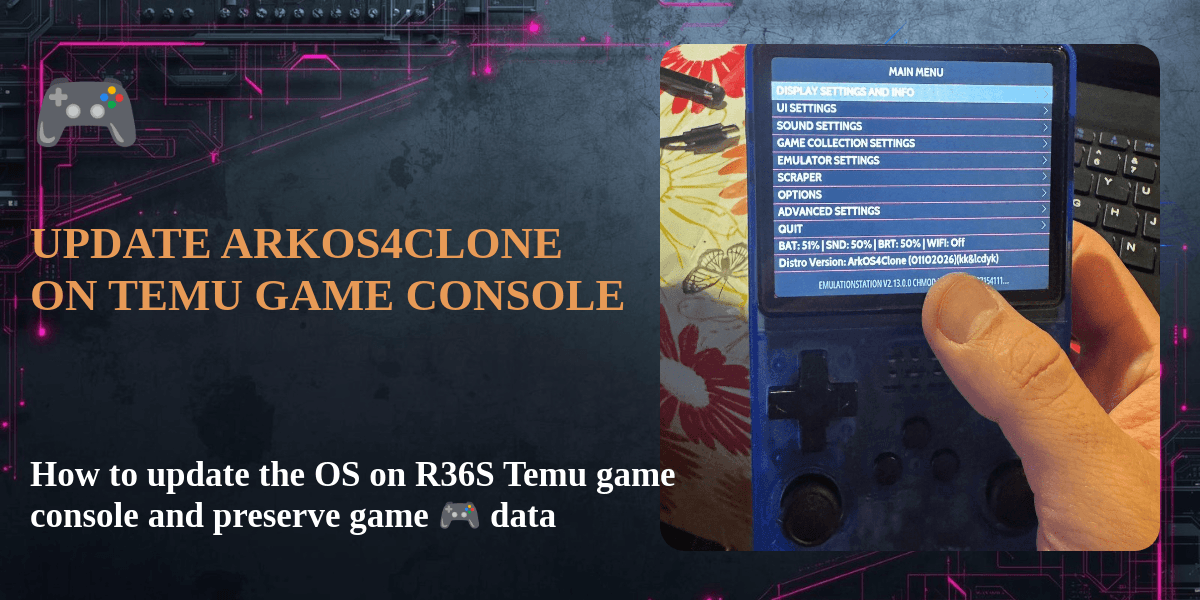 Once your handheld is running, keeping ArkOS4Clone up to date can improve compatibility, stability, and general usability. This guide shows you what to expect during the update process and helps you avoid the most common mistakes.
3) Fix black screen issues
-
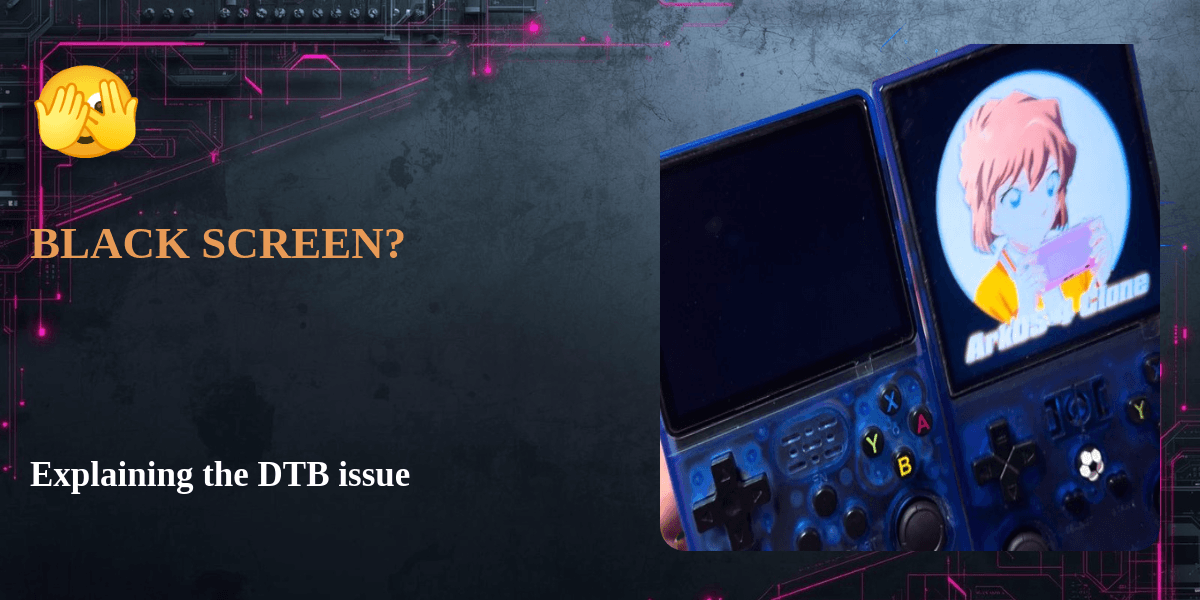 If your handheld seems to boot but shows no usable display output, this is one of the first things you should check. This guide explains the DTB-related black screen issue and helps you work through it quickly.
4) What to play next
-
 Once your setup is done, this is a fun way to try something beyond basic ROM browsing. You will see how to get Monkey Island running on the R36S and get a better feel for how adventure game setups work on this handheld.
 -
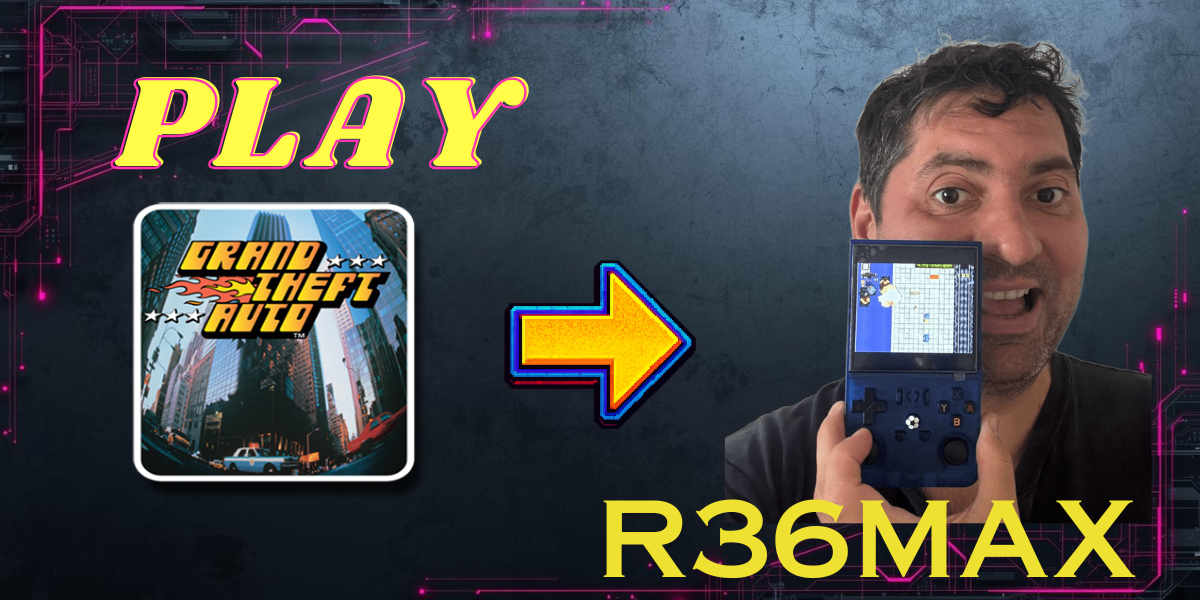 If you want to try something different on the R36Max, this guide shows you how to install GTA1. It gives you a practical example of how to prepare and launch a classic PC-style game on your handheld.
 -
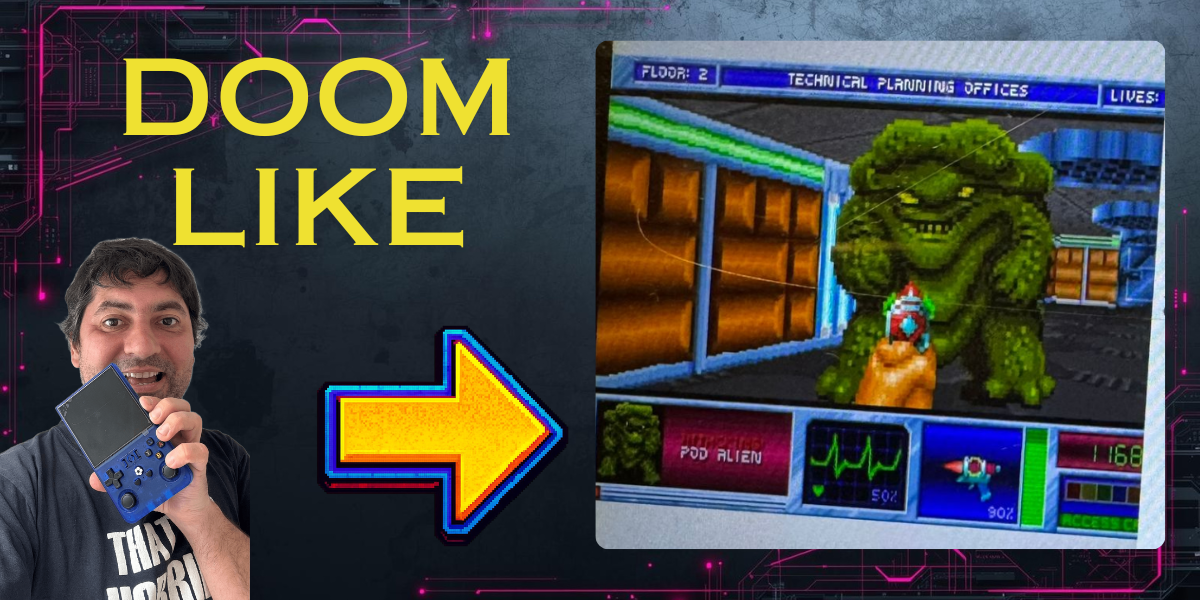 If you want something fun to test after setup, this guide gives you a quick look at how the game feels on your R36Max and what you need to do to get it running.
5) Where to buy the devices
-
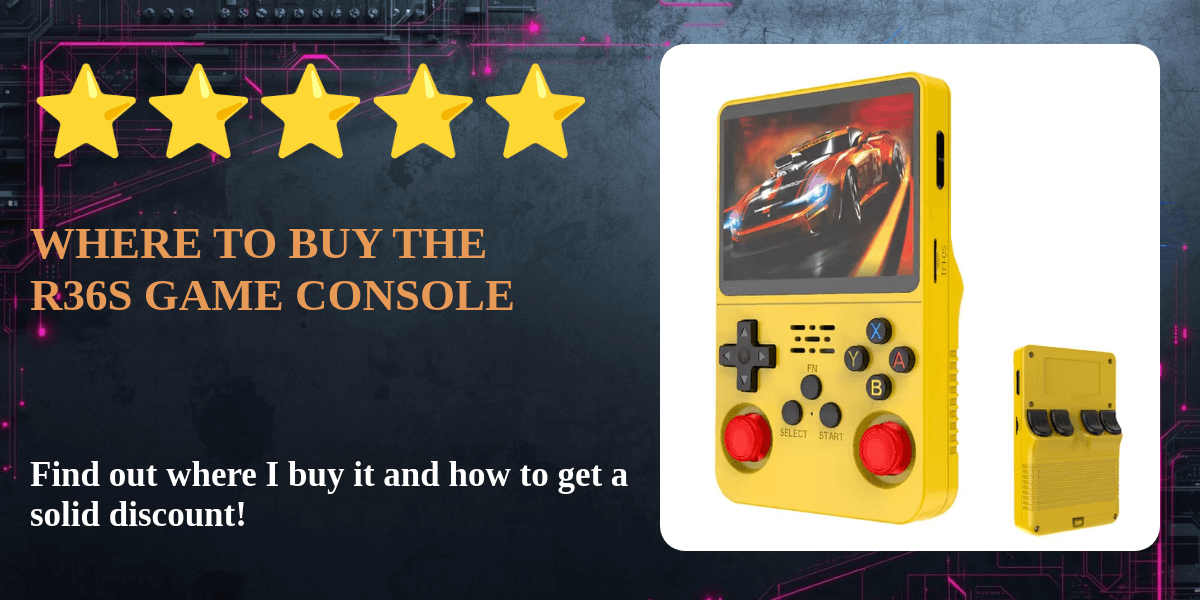 If you have not bought the hardware yet, this post gives you a quick buying reference so you can decide where to get an R36S before moving on to setup and software.
If you want, you can also use these guides as a starting point before exploring more games and setup options for your handheld.